Automating a contract from first draft to signed PDF usually means picking one of three approaches. Each one handles contract creation, approval routing, and e-signature collection, but they differ in cost, in how much legal governance they add, and in how deeply they fit into the systems you already run.
Option 1: A full contract lifecycle management (CLM) suite
CLM platforms such as DocuSign CLM, Ironclad, Conga, and Agiloft handle the entire contract lifecycle. You get a clause and template library for drafting, conditional approval workflows, native e-signatures, a central searchable repository, and renewal or obligation tracking. This fits legal teams with high contract volume who need redlining, version control, and audit-ready records in one place. The trade-off is cost and setup: these suites are generally sold through sales on annual contracts with custom pricing, and configuring approval chains and integrations can take weeks. If most of your need is simply drafting and signing, a full CLM is usually more than you need.
Option 2: A dedicated e-signature or document tool
If your process is mostly create a document and get it signed, a lighter tool is faster to adopt. DocuSign eSignature runs about $30 per user per month on the Standard plan and $45 on Business Pro with annual billing, each including 100 envelopes per user per year. DocuSign counts an envelope the moment it is sent, whether or not it is ever signed, and bills any overage per envelope. PandaDoc is $19 per seat per month on Starter and $49 on Business with annual billing, and documents beyond your plan run roughly $2 to $3.50 each. These tools add simple approval steps and templates, but they charge per seat and meter you on documents sent, and they offer less workflow depth than a CLM suite.
Option 3: Build the flow on a document automation API
If the contract flow needs to live inside your own product or connect tightly to your CRM, database, or onboarding system, building it on a document automation API gives you the most control. You generate the contract from your own data, route it through the approval logic you already have, collect signatures, and store the result wherever you want. You own more of the integration work, but you are not paying per seat, you control the user experience end to end, and you can meter cost against completed work rather than every document sent.
How to choose
Pick a CLM suite if legal governance, redlining, and a searchable repository are the priority and budget is not the constraint. Pick a dedicated e-signature tool if you mostly need to send and sign standard agreements with light approvals. Build on a document API if the flow belongs inside your own software or has to reuse data from systems you already run.
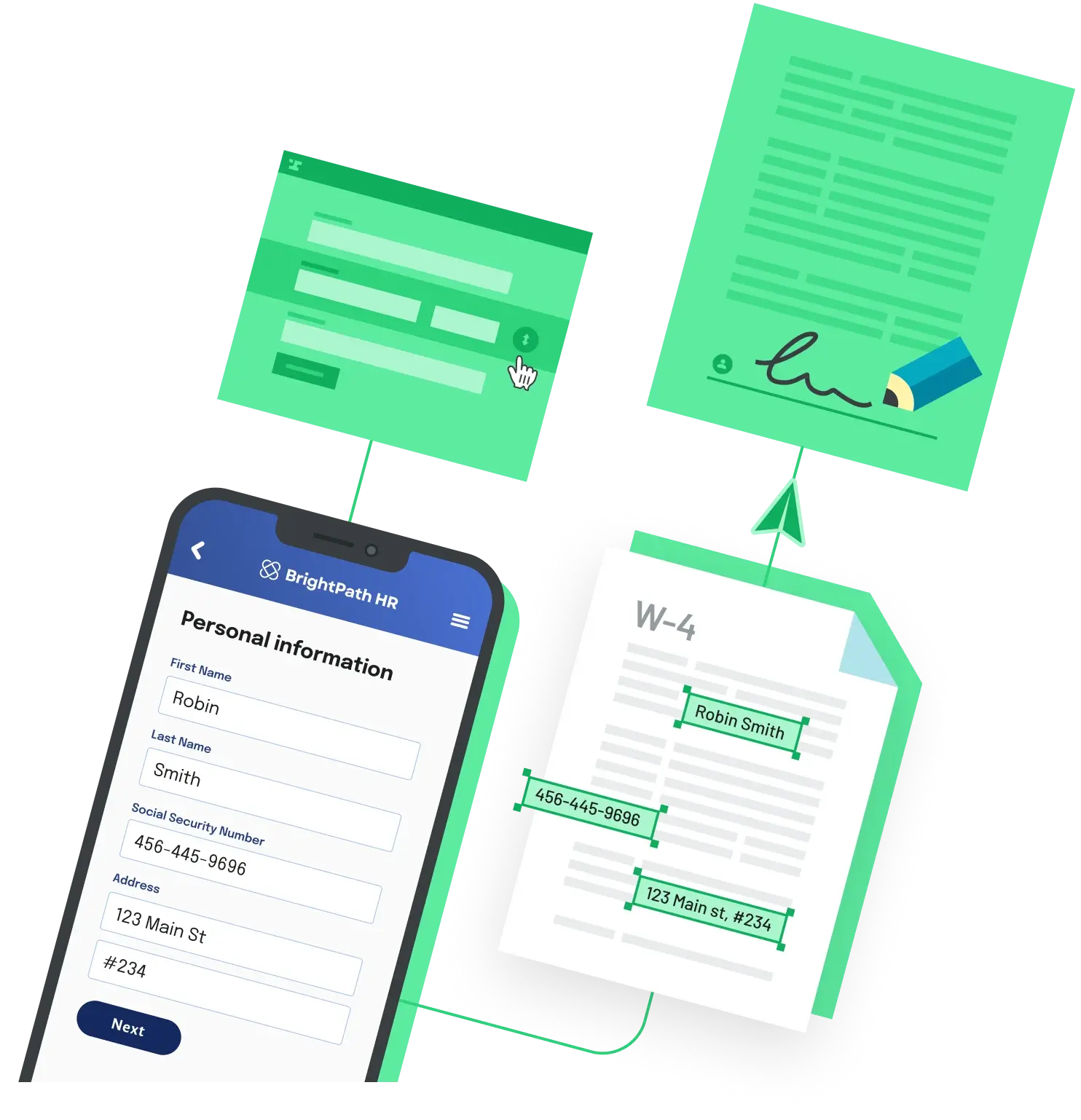
For the API-first route, Anvil Workflows is one straightforward option: it collects data through a webform, fills or generates the contract PDF, routes it through Etch e-sign, and hands back the completed document. Dashboard and shared-link use is free, and integrated API usage is metered only on what completes, at $0.10 per PDF fill or generation, $1.00 per Workflow submission, and $1.50 per fully executed e-signature packet, with no charge for signature requests that are only sent.
Back to All Questions