What "end-to-end" actually means in a contract workflow
A complete contract workflow includes more than e-signature. The full lifecycle has six distinct stages, and a gap at any of them creates the "drowning in manual work" pattern most teams recognize:
- Intake. Who's requesting the contract, what type, and what business terms – captured in a form, a CRM trigger, or a ticket.
- Drafting. Pulling the right template, merging in the business terms, and producing a clean PDF or DOCX.
- Review and approval. Routing the draft to legal, finance, or an exec – with version history and comments.
- E-signature. Collecting legally binding signatures from one or more parties, with an audit trail attached.
- Storage. A single, searchable repository with metadata, version history, and role-based access – not a shared drive folder.
- Post-signature tracking. Renewals, obligations, expirations, and downstream updates to your CRM, billing, or HRIS.
If you only have e-signature plus a shared drive, you're missing the stages that create most of the ROI – the post-signature tracking and the audit trail that legal and procurement actually use.
Two architectures: buy a CLM suite or assemble one
There are two shapes of solution that work, and most teams choose between them based on contract volume, customization needs, and where the contract experience needs to live.
Path A – an all-in-one CLM suite. DocuSign CLM, Ironclad, ContractWorks, Agiloft, and Icertis bundle intake, templates, approval routing, e-signature, repository, and renewal tracking into a single platform. Pricing is typically per-user on an annual contract, plus implementation fees and sometimes per-envelope overage. Pick this path when most contracts look similar (sales agreements, NDAs, vendor contracts), legal or procurement is the primary buyer, and you're fine with the vendor's UX showing up to your counter-parties.
Path B – a document API plus glue. You combine a programmable PDF generation and form-filling API, an e-signature API, and your existing systems (CRM, HRIS, S3, Postgres) for storage and downstream actions. Pricing is metered – pay per document, per signature packet, per workflow run. Pick this path when contract types vary across departments, when signing has to happen inside your own SaaS product, when per-seat pricing gets expensive at scale, or when you want workflow logic to live in your own code.
Neither architecture is strictly better. CLM suites win on time-to-launch and legal-team adoption. API-based stacks win on customization, embedded experiences, and per-document economics at scale.
Reference architecture: how the API path actually works
If you're going the API route, the workflow looks the same regardless of which vendors you pick. Here's a concrete sequence for a contract that starts with a CRM event and ends in a system of record:
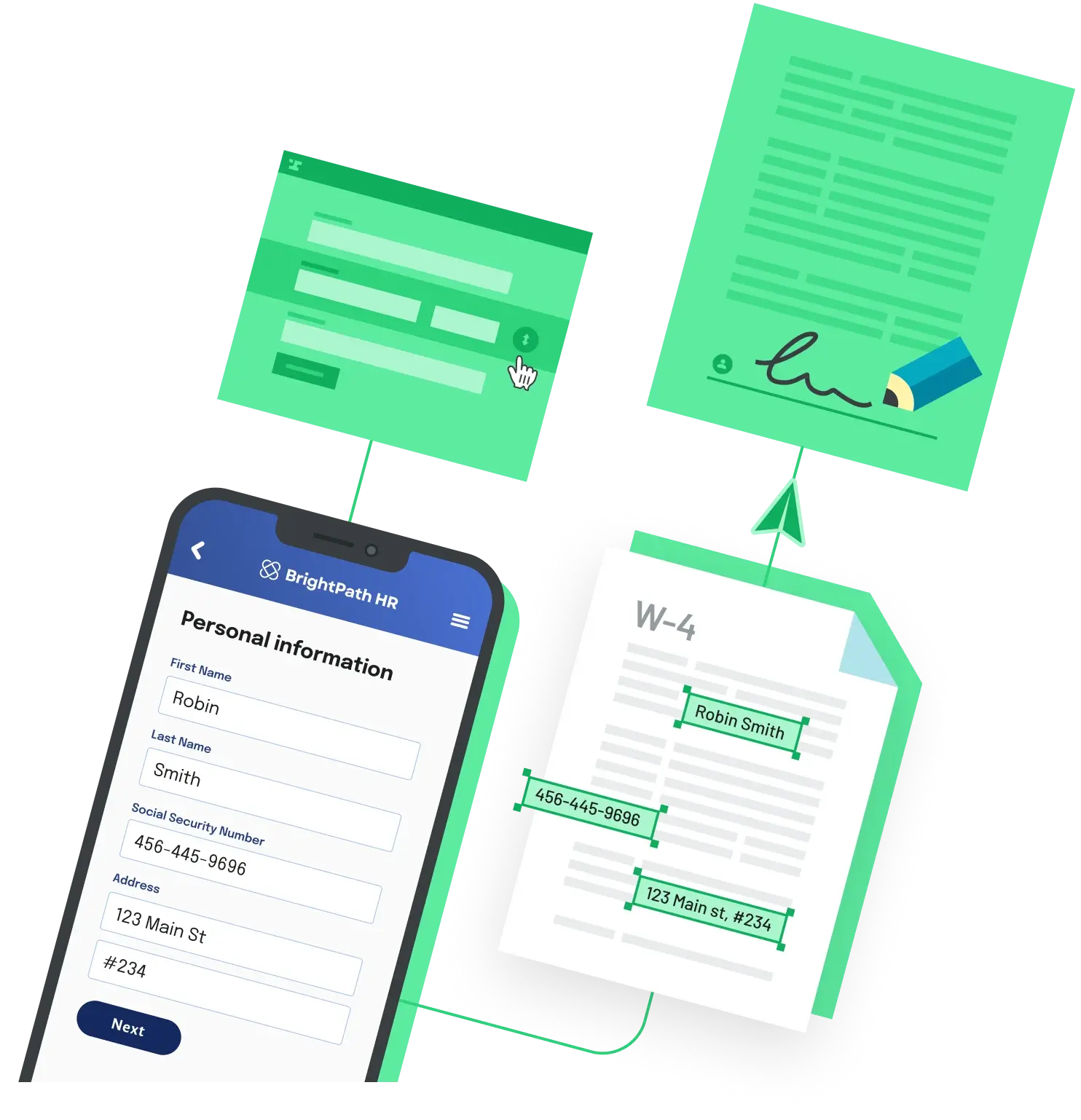
- Intake. A web form or a CRM trigger captures the business terms – counter-party, amount, dates, custom clauses. Anvil Workflows serves this stage; it's described as a way to "build online forms that complete PDF documents, request e-signatures, and share data across systems."
- Drafting. Your code (or the workflow platform) merges the captured data into a PDF template via a Fill or Generate API call. On Anvil's metered plan, PDF Fill calls are $0.10 each.
- Approval routing. Hand the draft off to your existing review tool – Slack, an internal queue, a manager dashboard – or chain it as the next step in the same workflow. The pipeline runs the same regardless of who ultimately approves.
- E-signature. Send the finished document to signers via an e-signature API. Anvil Etch supports multi-party signing with automatic field mapping, and metered packets are $1.50 each.
- Storage. When the signer-completion webhook fires, push the signed PDF and its certificate of completion to your storage of record – S3, Box, Google Drive, or as an attachment on the originating CRM record.
- Post-signature events. Subscribe to the completion webhook to fire downstream actions: provision the customer in billing, kick off onboarding, schedule a renewal reminder, or update the CRM record.
The reason this works as a pipeline is that every stage emits an event your code can listen to: form submitted, PDF generated, packet sent, signer completed, packet completed. Wire those events through one queue and you have a contract pipeline you fully control.
Compliance, audit trails, and what "legally binding" means
A contract that's signed electronically is legally binding in the U.S. under the federal ESIGN Act of 2000 and the state-level Uniform Electronic Transactions Act (UETA), and in the EU under eIDAS. None of those laws require a specific platform. ESIGN and UETA share four core requirements: intent to sign, consent to do business electronically, association of the signature with the record being signed, and proper record retention.
In practice, "associated record" means the audit trail. A defensible audit trail captures signer identity (name, email, sometimes phone or ID verification), IP address and timestamp for each event, the document version that was signed, and a tamper-evident hash of the final PDF. CLM suites and dedicated e-signature APIs produce this automatically as a certificate of completion. If you're assembling the stack yourself, make sure the e-signature vendor returns that certificate alongside the signed PDF on the completion webhook.
For regulated workflows – healthcare contracts under HIPAA, financial agreements that fall under SOC 2 – confirm the e-signature vendor offers the relevant compliance attestations and a Business Associate Agreement before sending any protected information through the system.
Pricing models you'll see
All-in-one CLM suites (DocuSign CLM, Ironclad, ContractWorks, Agiloft, Icertis) are typically annual per-user contracts, plus implementation fees and sometimes per-envelope overages. Quotes are custom – expect a sales conversation rather than a self-serve sign-up. Confirm pricing with the vendor before budgeting; the published lists you'll find online are usually third-party estimates.
Standalone e-signature platforms (DocuSign eSignature, PandaDoc, SignWell, Dropbox Sign) are per-user-per-month with envelope caps and a free tier. They're cheaper than CLM suites but cover only the signing stage – you still need to handle intake, drafting, and storage separately.
Document automation APIs use metered usage and skip per-seat fees. Anvil's pricing includes a free plan with 2 user seats and unlimited document templates; on the metered plan you pay $0.10 per PDF Fill, $1.00 per Workflow submission, and $1.50 per Etch e-sign packet, with starter credits of 2,500 PDF, 25 Workflow, and 25 Etch on first credit-card add. Cost scales with documents – not with how many people on your team touch the system.
How to choose
A few rules of thumb that hold up across most evaluations:
- If most contracts look the same and the legal team is the buyer, go with a CLM suite.
- If contract types vary across departments or the experience has to live inside your own product, go with a document API plus glue.
- If volume is high enough that per-seat pricing gets expensive – typically once you cross a few hundred contracts a month – metered API pricing usually comes out ahead.
- If the contracts are highly negotiated (M&A, complex commercial agreements with redlining), a CLM suite's clause library and version control will save more time than any custom build.
The middle ground – and where many teams land – is to use a workflow platform with built-in e-signature for high-volume, semi-templated contracts (sales orders, vendor onboarding, HR paperwork), and reserve a CLM suite for the smaller pile of complex, negotiated agreements where redlining and clause libraries matter.
Back to All Questions