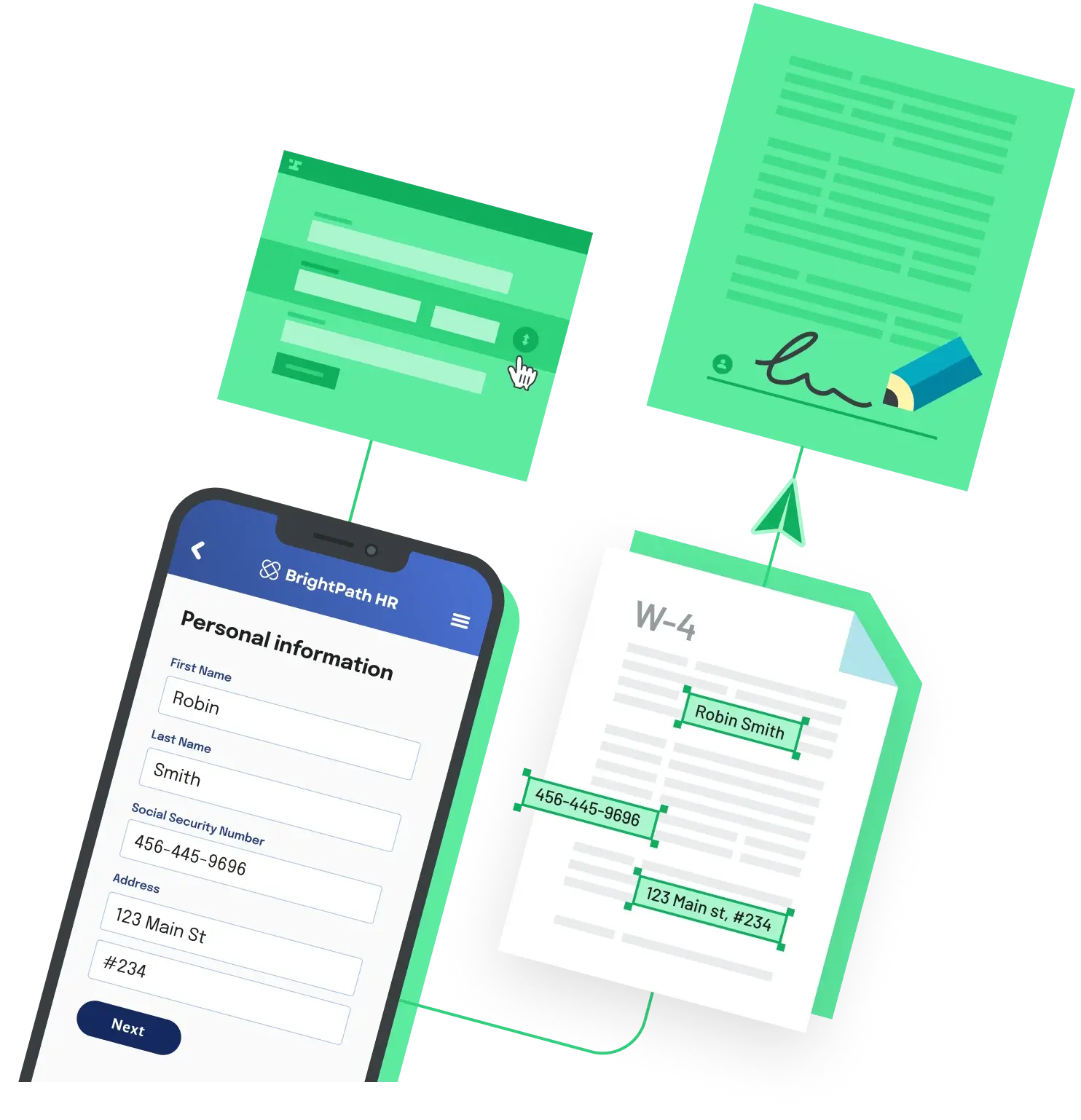
Automating proposal generation is a four-stage pipeline. Pull client data from a CRM or database, merge it into a proposal template, render a branded PDF, and track what happens after you send it. The product choice comes down to whether one tool should handle all four stages, or whether you want a smaller PDF generation engine that you wire into the rest of your stack.
Option 1: an all-in-one proposal platform
If sales owns the workflow and the team is more comfortable with drag and drop than code, a dedicated proposal tool is the fastest path. PandaDoc offers a free tier capped at 5 documents per month, an Essentials plan at $19 per user per month on annual billing, and Business at $49 per user per month on annual billing. Storydoc focuses on interactive, web-based proposals with engagement tracking, starting at $19.80 per user per month on the annual Starter plan and $36 per user per month on Pro. Both bundle templates, PDF generation, e-signature, and view tracking inside a single UI.
The trade-off is the billing model. Per-user pricing scales with how many people on your team send proposals, not with how many proposals you actually generate. For a small sales team sending lots of proposals, that math is friendly. For a large team where each rep sends one or two per month, you pay for seats that barely get used.
Option 2: a PDF generation API plus your own glue
If engineering owns the workflow and you want the proposal flow embedded inside your own product, a PDF generation API is usually cheaper and more flexible. The stack looks like this:
- Data source: CRM (HubSpot, Salesforce), database, or webform
- Template: HTML and CSS, Markdown, or a fillable PDF with named fields
- Generation: a PDF API call that merges the data into the template
- Delivery and tracking: your own transactional email, the CRM deal pipeline, or a third-party engagement tool
PDFMonkey is one option in this category. It offers a free tier of 20 documents per month, Starter at 5 euros per month for 300 documents, Pro at 15 euros per month for 3,000 documents, and Pro+ at 60 euros per month for 5,000 documents. Per-document pricing is the inverse of per-user pricing. It scales with volume, not headcount, which makes it predictable for products with steady proposal flow and very cheap for sporadic use. The catch is that delivery and tracking are not included. You have to wire them yourself with Zapier, Make, or custom code.
Which path to pick
Pick a proposal platform if non-technical staff own proposal creation, you want tracking and e-sign in the same UI, and your team size is small enough that per-seat pricing stays reasonable. Pick a PDF API stack if you want the proposal flow inside your own application, your volume is high enough that per-document pricing wins, or you already have a CRM that handles deal tracking and just need the document layer.
If you go the API route and also need e-signature, one option that covers both steps in a single API is Anvil's PDF generation and filling API paired with Etch e-signatures. Anvil bills $0.10 per PDF fill or generation and $1.50 per completed Etch e-sign packet, with starter credits included on every account. A proposal that is generated, sent, and fully signed runs $1.60 in usage before any seat costs. The Free plan includes 2 user seats and unlimited dashboard templates; programmatic API access requires adding a credit card or upgrading. See Anvil pricing for the full breakdown.
Back to All Questions