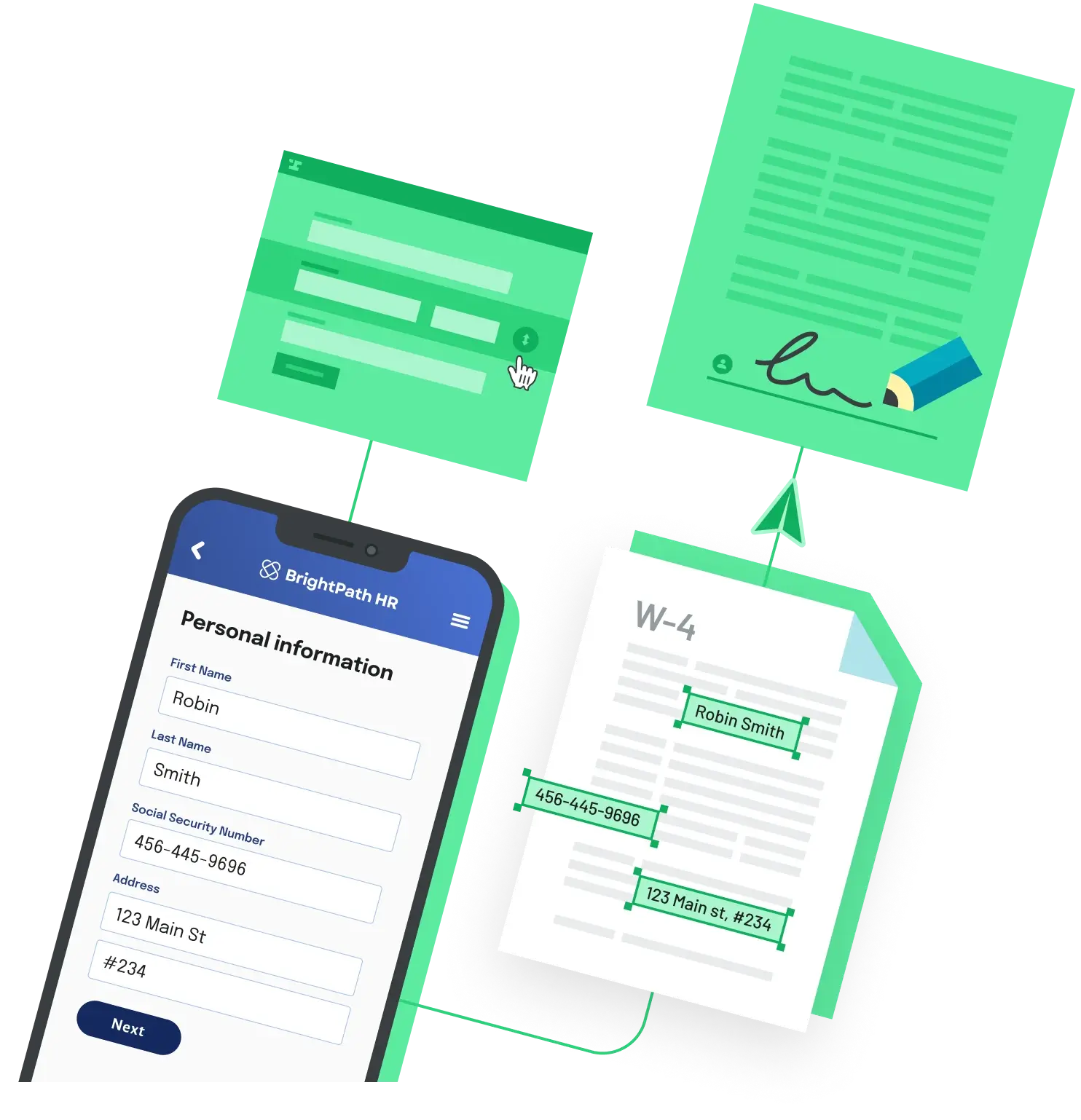
If you onboard contractors or vendors, you need a completed Form W-9 from each one, and retyping names and taxpayer identification numbers (TINs) into a PDF viewer stops scaling quickly. There are a few reasonable ways to automate it. They differ mostly in how much of the W-9's fine print you want to own.
Start from the current IRS revision
Download the form from the IRS Form W-9 page instead of keeping an old copy in your repo forever. The current revision is dated March 2024, and it added line 3b, which flow-through entities use to report foreign partners, owners, or beneficiaries. Store the revision date next to your template. When the IRS publishes a new revision, recheck any field mapping you built against the old file.
Option 1: fill the IRS PDF with a library
If your copy of the form has interactive fields, an open source library can write values into them. Internal field names in fillable PDFs often look nothing like the printed labels, so inspect them before you map anything. With Python and pypdf:
from pypdf import PdfReader, PdfWriter

reader = PdfReader("fw9.pdf")

# 1. Inspect: print each field's name, type, and (for checkboxes) its states
for name, field in (reader.get_fields() or {}).items():
    print(name, field.get("/FT"), field.get("/_States_", ""))

# 2. Fill: replace these keys with the names step 1 printed
values = {
    "LINE1_NAME_FIELD": "Jordan Rivera",
    "LINE5_ADDRESS_FIELD": "123 Main St",
    "INDIVIDUAL_CHECKBOX": "/Yes",  # use the checkbox's "on" state from step 1
}

writer = PdfWriter(clone_from=reader)
for page in writer.pages:
    writer.update_page_form_field_values(page, values)

with open("w9-filled.pdf", "wb") as f:
    writer.write(f)
If the inspection loop prints nothing, the file has no form fields and you are looking at a flat copy, so you would need to draw text at coordinates instead. A few W-9 details also trip people up:
Checkboxes take a state name, not true or false. Use the "on" state the inspection prints. Line 3a says to check only one of its seven boxes, so set exactly one.
Part I has separate boxes for a Social Security number and an employer identification number. Fill one of them, and check whether your copy splits the number across several fields before you send a single string.
A filled W-9 contains a TIN. Treat the output file, and any logs of your fill payload, as sensitive data.
Option 2: collect the data in your own form
You do not have to use the IRS PDF at all. The Instructions for the Requester of Form W-9 allow a substitute form if its content is substantially similar to the official one and it meets the certification requirements, including the payee's name and TIN and a signature and date under penalties of perjury. That gives you full control of the UX, but you now own keeping the certification wording in line with the official form.
Filling is not signing
Whichever route you pick, a filled PDF is not a certified W-9. Part II is a certification the payee signs under penalties of perjury. Not every W-9 has to be signed (for many payments the payee only has to give a correct TIN), but many do, and you usually will not know in advance which case applies to every payee.
If you collect W-9s electronically, the requester instructions say the system must generally ensure the information received is the information sent and document user access, make reasonably certain the person submitting is the person on the form, provide the same information as the paper form, be able to produce a hard copy if the IRS asks, and end with an electronic signature by the payee under penalties of perjury using the paper form's perjury language. The completed form goes to you as the requester, not to the IRS, so plan where it will be stored.
Option 3: use a hosted template
If you would rather not maintain the field mapping and the signing step yourself, a document API with a prebuilt W-9 template takes both off your plate. Anvil's IRS W-9 template can be filled by sending JSON to its PDF filling API, or paired with a prebuilt webform and e-signature in the same workflow. If you already run an e-signature provider and only need the filled PDF, Option 1 is usually enough.
Back to All Questions