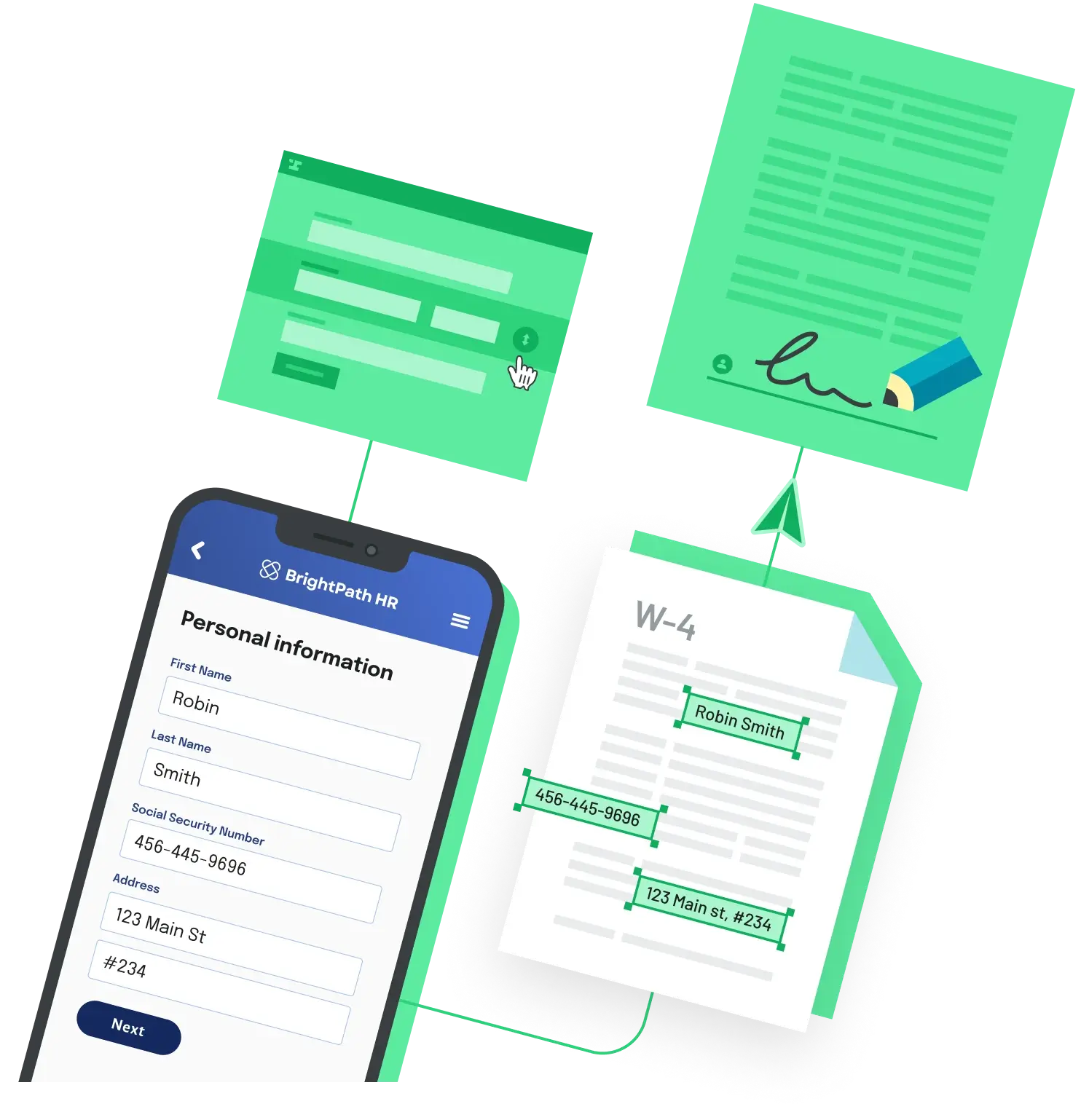
Most teams adopt document automation to move faster: prefill PDFs, route them for signature, store the result. The moment those documents contain names, addresses, ID numbers, or financial details, the workflow is processing personal data, and the GDPR applies to every step. Compliance is less about a single feature and more about controlling that data across the whole pipeline.
Process data only with a lawful basis, and only what you need
Article 6 of the GDPR requires a lawful basis for processing personal data, such as consent, performance of a contract, or legitimate interest. Article 5 adds data minimisation (collect only the fields the document actually needs) and storage limitation (keep the data only as long as you have a reason to). In a document workflow that means not pulling extra fields into a form just because they are available, and not keeping completed files indefinitely by default.
Keep an audit trail and a record of processing
Article 30 expects you to maintain records of your processing activities, and regulators will ask for evidence of who did what. A practical workflow logs every action (form opened, data submitted, document generated, signed, downloaded) with timestamps, and keeps those logs tamper evident. This audit trail is also what proves a signature's validity later, so it does double duty.
Secure the data, and know where it lives
Article 32 requires appropriate technical measures, which in practice means encryption in transit (TLS) and at rest, role-based access so only the right people see a given document, and secure links rather than open downloads. If your users are in the EU or EEA, you also need to account for international transfers under Chapter V of the GDPR, which is where data residency and Standard Contractual Clauses come in.
Support erasure and retention
Article 17, the right to erasure, means a person can ask you to delete their personal data, and your workflow needs a way to honour that without breaking your records. Pair it with automatic retention rules so files are purged on a schedule rather than relying on someone to remember.
Sign a data processing agreement with every vendor
Any tool that processes personal data on your behalf is a processor under Article 28, and that relationship has to be governed by a written contract, usually called a data processing agreement (DPA). Before sending documents through a third-party API, confirm the vendor will sign a DPA, publishes its subprocessors, and holds recognised security certifications such as SOC 2.
If you would rather not assemble all of this yourself, a platform that bakes these controls in can shorten the work. Anvil's Workflows product handles automated document generation, webforms, and e-signatures, lists SOC 2 Type II, GDPR, and HIPAA compliance, and provides role-based access control, audit trails, and secure single-use links, with a signable DPA available on Enterprise plans. Whichever route you choose, the test is the same: for any document, can you show what data you held, why, who accessed it, and that you can delete it on request?
Back to All Questions