The standard pattern
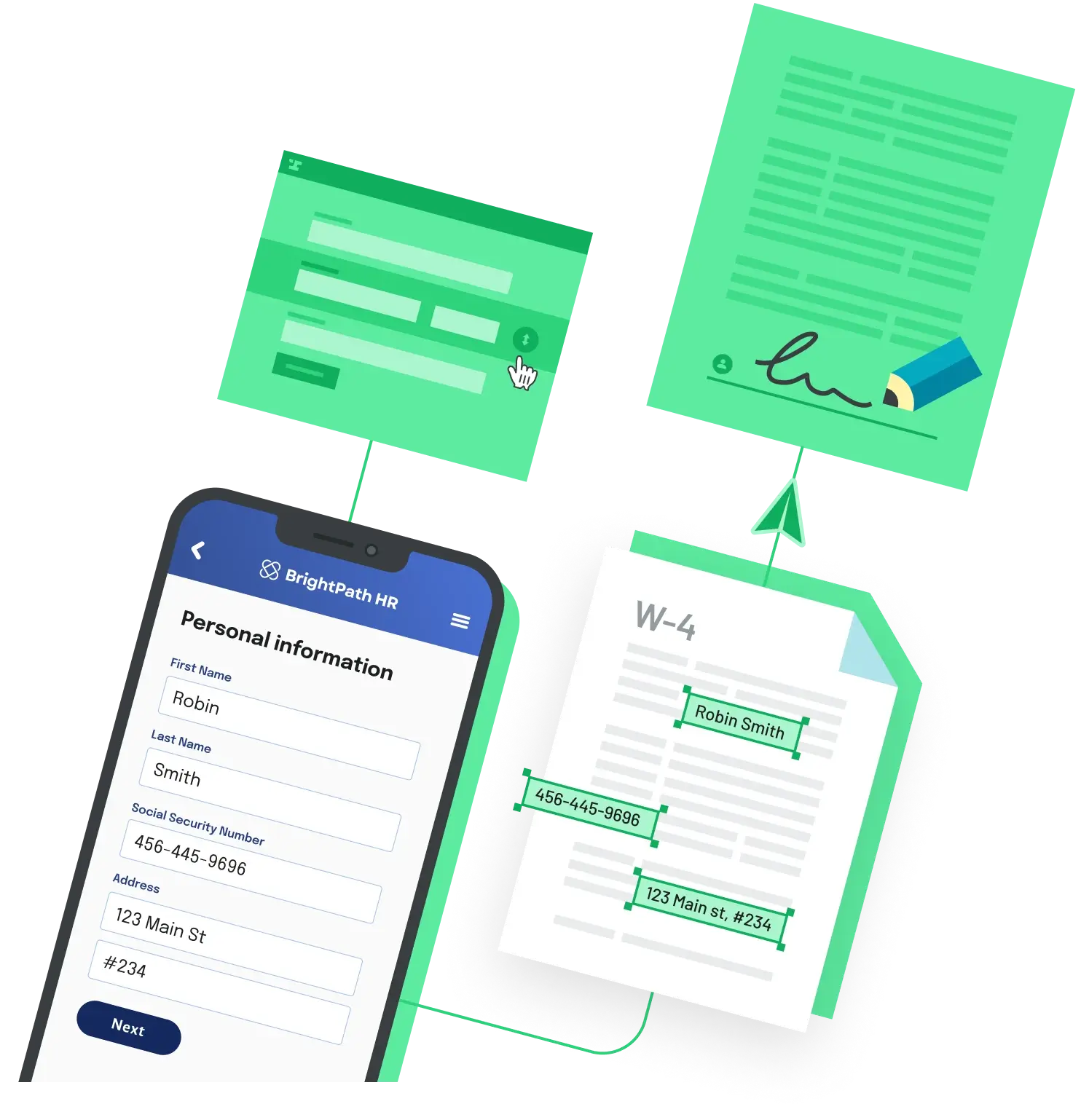
You need three pieces: a template with named placeholders, an input record per NDA, and a renderer that turns the merged result into a PDF. Production NDA generators almost always look like that under the hood. What varies is whether the template lives as a string in code, a .docx file, or a tagged PDF that a non-engineer can edit.
A minimal Python example
from jinja2 import Template

NDA_TEMPLATE = """
NON-DISCLOSURE AGREEMENT

This NDA is entered into between {{ disclosing_party }} ("Disclosing Party")
and {{ receiving_party }} ("Receiving Party") on {{ effective_date }}.

1. Confidential Information. Information disclosed by the Disclosing Party
   in connection with {{ purpose }} is "Confidential Information."

2. Term. The Receiving Party's obligations continue for {{ term_years }}
   years from the Effective Date.

3. Governing Law. This Agreement is governed by the laws of {{ jurisdiction }}.

Signed:
_____________________      _____________________
{{ disclosing_party }}                  {{ receiving_party }}
"""

record = {
    "disclosing_party": "Acme Corp",
    "receiving_party": "Beta LLC",
    "effective_date": "2026-05-11",
    "purpose": "evaluating a partnership",
    "term_years": 3,
    "jurisdiction": "Delaware",
}

print(Template(NDA_TEMPLATE).render(**record))
Feed records from a CSV, a CRM export, or your database in a loop and you have bulk NDA generation in roughly twenty lines.
Going from text to PDF
Two common renders. For a one-off, pipe the rendered HTML through WeasyPrint:
from weasyprint import HTML

rendered = Template(NDA_TEMPLATE).render(**record)
HTML(string=f"<pre>{rendered}</pre>").write_pdf("nda.pdf")
When legal needs to own the layout, a tagged PDF plus a PDF fill API is the cleaner path. Anvil's PDF Filling API (the @anvilco/anvil package, fillPDF method) is $0.10 per fill on metered usage with 500 free fills per month as of May 2026:
import fs from 'fs'
import Anvil from '@anvilco/anvil'

const anvilClient = new Anvil({ apiKey: process.env.ANVIL_API_KEY })

const payload = {
  title: 'NDA - Acme / Beta',
  data: {
    disclosingParty: 'Acme Corp',
    receivingParty: 'Beta LLC',
    effectiveDate: '2026-05-11',
    termYears: 3,
    jurisdiction: 'Delaware',
  },
}

const { statusCode, data } = await anvilClient.fillPDF('YOUR_TEMPLATE_EID', payload)
if (statusCode === 200) fs.writeFileSync('nda.pdf', data, { encoding: null })
Replace YOUR_TEMPLATE_EID with the template ID from the dashboard. The keys in data match the field IDs you set when tagging the PDF.
Two gotchas
A literal {{disclosing_party}} in your output means the template engine never ran on that section, not that the data was missing. Jinja2, Handlebars, and Mustache all emit empty space (not the raw tag) when a key is undefined, so a visible {{tag}} usually means the file was served before substitution, or the delimiters do not match the engine.
And "generate programmatically" is not the same as "have legal review." Templates are fine for the structural fields (parties, term, jurisdiction). Anything substantive (trade-secret carve-outs, IP assignment, residual-knowledge clauses, jurisdiction-specific defaults) belongs in a clause library that counsel has signed off on, not in the rendering layer.
Back to All Questions