1. HTML template plus headless browser
For invoices, receipts, and reports where design matters, render an HTML template to PDF with Puppeteer or Playwright. A templating engine like Handlebars handles variables, and Chromium handles layout.
import puppeteer from 'puppeteer'
import Handlebars from 'handlebars'
import fs from 'fs'

const source = fs.readFileSync('./invoice.html', 'utf8')
const html = Handlebars.compile(source)({
  customer: 'Acme Inc',
  total: '$1,250.00',
})

const browser = await puppeteer.launch()
const page = await browser.newPage()
await page.setContent(html, { waitUntil: 'networkidle0' })
await page.pdf({ path: 'invoice.pdf', format: 'A4', printBackground: true })
await browser.close()
Strength: CSS gives you full visual control, and designers can edit templates directly. Weakness: pagination of long tables is finicky, and a Chromium worker per request gets expensive at scale. Most production stacks queue PDF jobs to a separate worker fleet rather than rendering inline.
2. Declarative PDF library
For long reports with predictable pagination, skip the browser and describe the document structure in code with pdfmake, PDFKit, or pdf-lib.
import PdfPrinter from 'pdfmake'
import fs from 'fs'

const printer = new PdfPrinter({
  Roboto: {
    normal: 'fonts/Roboto-Regular.ttf',
    bold: 'fonts/Roboto-Medium.ttf',
  },
})

const docDef = {
  defaultStyle: { font: 'Roboto' },
  content: [
    { text: 'Invoice', style: 'header' },
    {
      table: {
        body: [
          ['Item', 'Price'],
          ['Laptop', '$1,200'],
          ['Mouse', '$50'],
        ],
      },
    },
  ],
  styles: { header: { fontSize: 18, bold: true } },
}

const doc = printer.createPdfKitDocument(docDef)
doc.pipe(fs.createWriteStream('invoice.pdf'))
doc.end()
Strength: deterministic layout, repeating table headers, low memory, easy to stream. Weakness: templates live in code, not in a file a non-engineer can edit.
3. Hosted template API
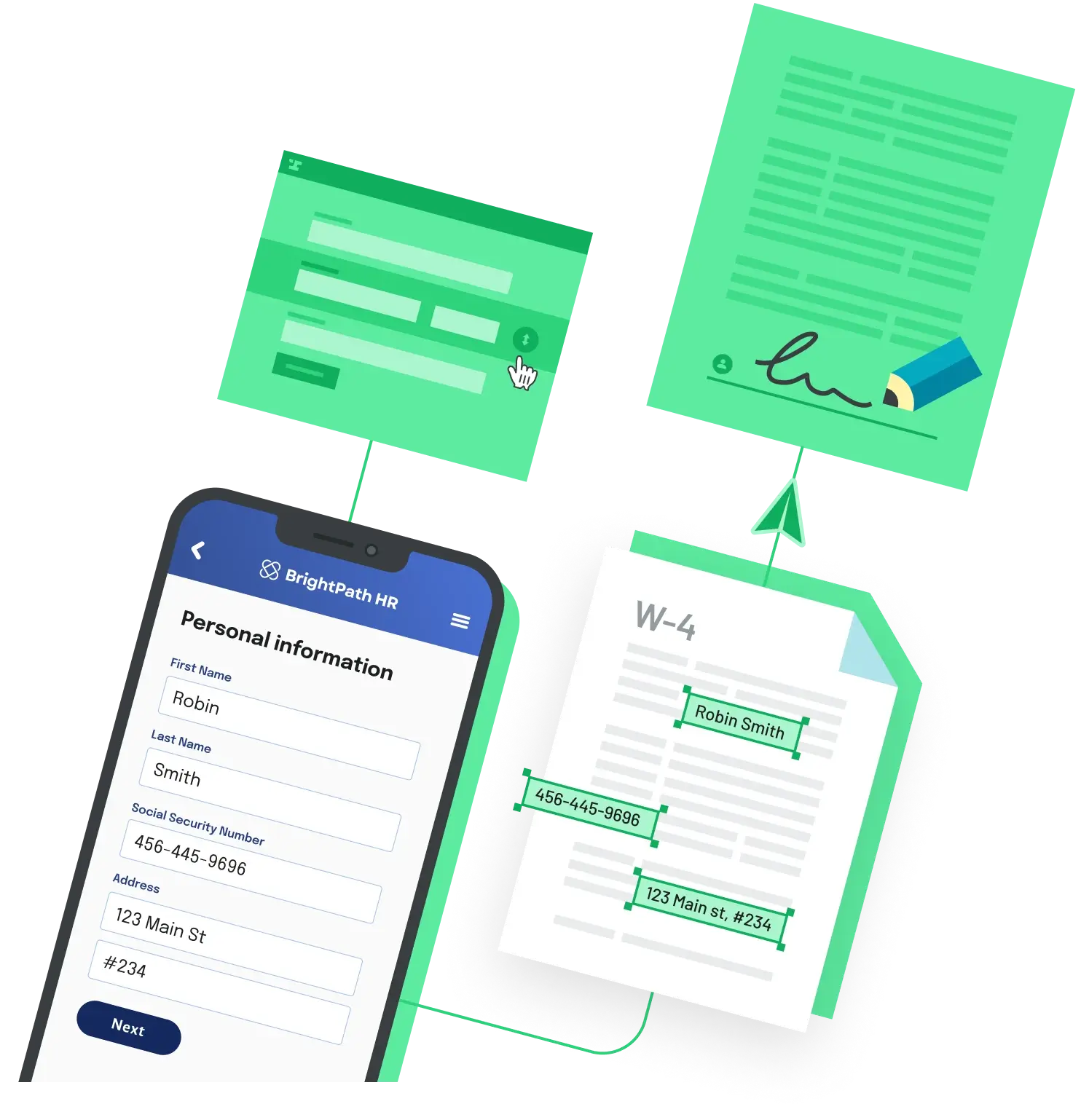
If the template is an existing PDF (a tax form, lease, claim form), the fastest path is a hosted API that fills the PDF with JSON. Anvil's PDF Filling API takes a template you have uploaded and a JSON payload, and returns the filled PDF.
import Anvil from '@anvilco/anvil'
import fs from 'fs'

const anvil = new Anvil({ apiKey: process.env.ANVIL_API_KEY })

const { statusCode, data, errors } = await anvil.fillPDF('YOUR_TEMPLATE_EID', {
  data: {
    name: 'Sam Smith',
    amount: 1250,
    signedAt: '2026-05-18',
  },
})

if (statusCode === 200) {
  fs.writeFileSync('filled.pdf', data)
} else {
  console.error(errors)
}
Strength: no rendering infrastructure, no font drift, and the output PDF preserves the source form's layout exactly. Metered pricing is $0.10 per PDF fill or generation. Weakness: you need a fillable PDF (an AcroForm) as the source. Anvil's PDF Generation API covers the HTML or Markdown case if you do not have a fillable source.
Pick by who owns the template
Designers own the look: go HTML plus Puppeteer. Engineers own everything: go pdfmake or pdf-lib. The template is a fixed external form: use a hosted fill API.
Back to All Questions