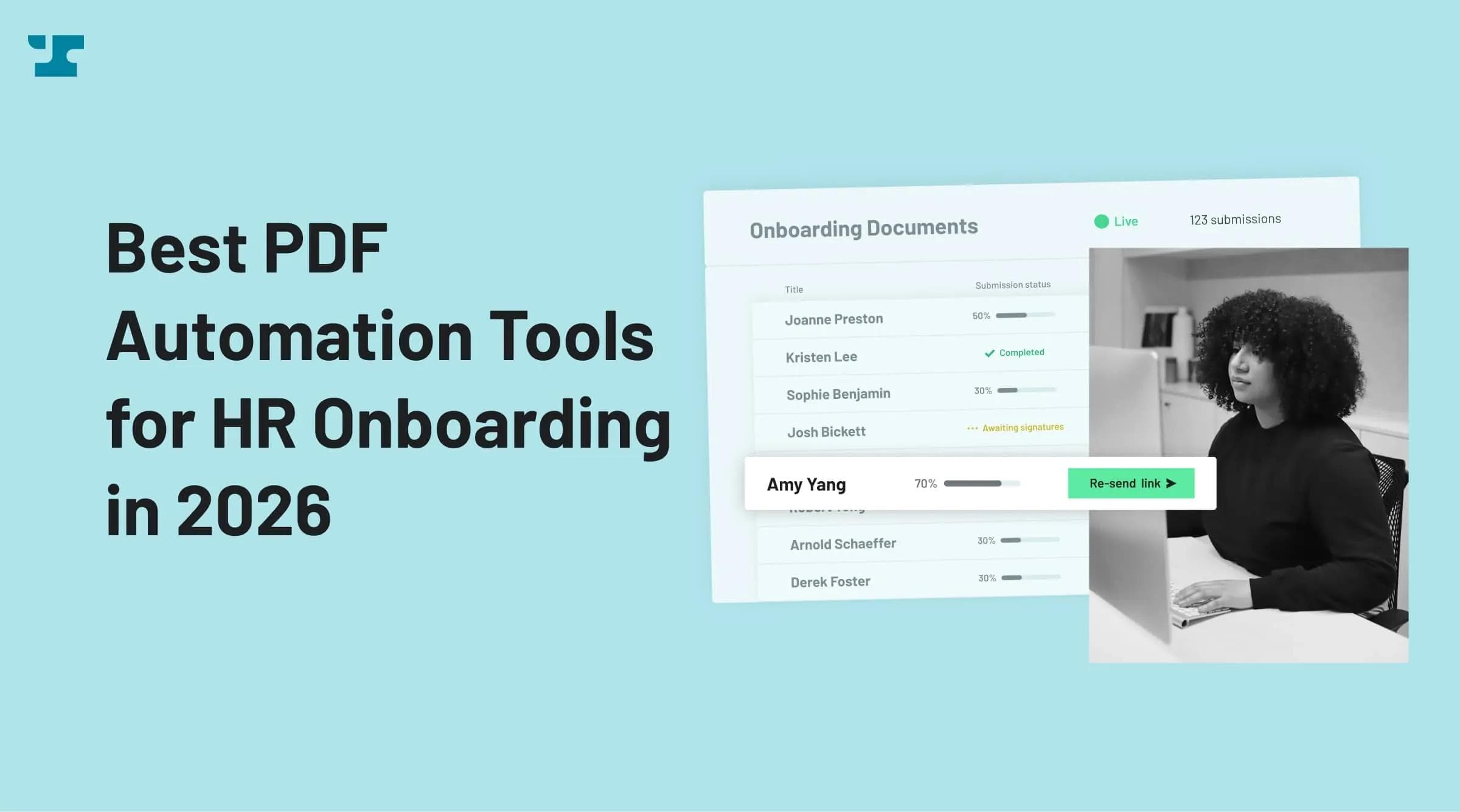
Two in five HR managers who don't capture onboarding information electronically spend three hours or more onboarding each new employee, according to StrongDM. That time goes to copying names, SSNs, and addresses into offer letters, I-9s, W-4s, state tax forms, NDAs, and benefits enrollment PDFs. When the data entry is manual, errors follow, and the manual work itself carries a measurable cost: EY research cited by Paycom puts a single manual data entry at $4.86 and the work of creating one payroll at $20.83. Transposed digits on an I-9, a wrong withholding status on a W-4, a missed countersignature buried in an email thread: each mistake carries a real dollar cost and a compliance risk.
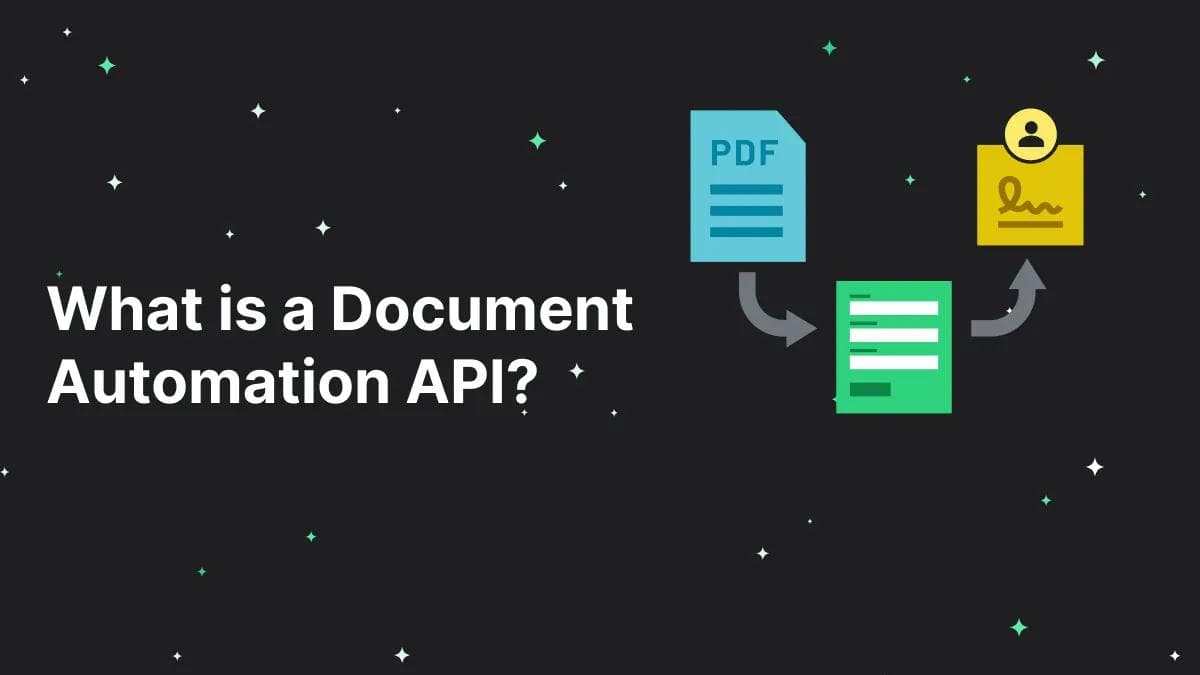
HRIS platforms and applicant tracking systems store employee data well enough. What they leave unfinished is the document layer: getting that data into PDFs, generating the right packet for each hire, routing signatures across multiple parties, and keeping an audit trail that satisfies compliance requirements. That is the layer a document automation API is built to fill.
API-driven document pipelines can compress a two-week manual onboarding process into two days. Rule-based automation can meaningfully cut document turnaround time compared to manual processes. Mid-market buyers increasingly prefer platforms that combine PDF generation with e-signature capability in a single workflow, rather than stitching together separate tools.
This guide evaluates seven tools on API depth, batch generation, conditional logic, HRIS integration, compliance certifications, and pricing transparency.
Summary
Anvil is the strongest fit for mid-market HR teams and product teams building automated onboarding pipelines. It is one of the few platforms that combines programmatic PDF filling, batch generation, native e-signature, and HIPAA/SOC 2/GDPR compliance in a single API. Anvil also holds a 4.7/5 rating on G2 based on 35 reviews. DocuSign and Adobe Acrobat Sign are solid for e-signature but are not built around programmatic document generation. PandaDoc is optimized for sales workflows, not HR. JotForm, Dropbox Sign, and PDFFiller each cover narrow slices of the problem without the API depth or batch scale that 100+ hires per year demands.
If your onboarding workflow requires pulling data from an HRIS or ATS, generating conditional document sets by state or employment type, and routing multi-party signatures with audit trails, Anvil covers the full lifecycle. The other tools on this list will require you to bolt together multiple products to get the same result.
What is PDF Automation for HR Onboarding?
PDF automation for HR onboarding means using software to programmatically generate and fill PDF forms with employee data from your HRIS or ATS. Instead of an HR coordinator copy-pasting a new hire's details into each template, an API call pulls the data and populates every document in the packet at once.
The documents in scope are the ones you already know: offer letters, I-9s, W-4s, state-specific tax withholding forms, NDAs, handbook acknowledgments, benefits enrollment forms, and direct deposit authorizations. Conditional logic determines which subset applies. A full-time hire in California gets a different packet than a contractor in Texas.
Three trends are shaping this category in 2026:
- Mid-market buyers increasingly prefer platforms that combine document generation and e-signature, rather than buying them separately
- Rule-based automation can meaningfully cut document turnaround time compared to manual processes
- API maturity (REST endpoints, webhooks, SDKs) has become a primary evaluation criterion, not just e-signature capability
The 7 Best PDF Automation Tools for HR Onboarding in 2026
1. Anvil
Best for: Product teams and HR ops leaders building high-volume, automated onboarding pipelines that connect HRIS/ATS data directly to document generation and e-signature.
Anvil is an API-first document automation platform. You send JSON data to its PDF Filling API, and it populates any PDF template programmatically. No manual data entry step. Document AI auto-detects form fields and generates API-compatible aliases from any uploaded PDF, so converting your existing templates takes seconds rather than hours of manual field mapping.
Etch, Anvil's native e-signature product, handles multi-party signing with sequential or parallel routing. A typical onboarding workflow sends the offer letter to the new hire first, then routes the signed copy to a manager and HR for countersignature. Audit trails with timestamps satisfy ESIGN Act and UETA requirements.
Batch generation is where Anvil creates the widest gap between itself and the other tools on this list. A single API call to the PDF Generation API can produce hundreds of personalized onboarding packets. Conditional logic routes the correct document set based on employment type, department, state, or any other variable in your data. If you onboard 50 new hires in a quarter across six states, each one gets exactly the right packet without anyone manually selecting forms.
Compliance coverage is broad: SOC 2 Type II, HIPAA, GDPR, and eIDAS. Healthcare companies and financial services firms processing sensitive employee data can use Anvil without adding a separate compliance layer.
Pros:
- JSON-to-PDF in one call. Fill any template programmatically via REST API, with SDKs for Node.js, Python, TypeScript, Java, and C#.
- Document AI eliminates setup time. Upload any existing PDF and get an API-fillable template with auto-detected fields in seconds.
- Batch generation at scale. Create hundreds of personalized packets from a single API call, no per-hire manual work.
- Conditional document logic. Rules-based packet assembly by employment type, state, department, or custom variables.
- Multi-party e-signature built in. Etch supports sequential and parallel signing with full audit trails.
- Metered pricing fits hiring volume. Free plan includes 500 API calls/month; bulk pricing scales without per-seat caps.
- No-code and pro-code options. Zapier integration for quick wins; full API for production-grade pipelines.
Cons:
- Requires developer involvement. Full API integration needs engineering resources, so teams without dev capacity will need Zapier or a technical partner.
- No native HRIS connector. Integration with Workday, BambooHR, or similar requires API calls or Zapier rather than a pre-built plug-in.
Pricing:
Free plan: 500 API calls/month, $0.10 per additional call. E-signature is metered per completed signature packet. See full pricing for details.
2. DocuSign
DocuSign dominates e-signature. 1.7 million customers, 95% of the Fortune 500, over 1,000 pre-built integrations with systems like Workday and Salesforce. Compliance certifications pass enterprise security reviews without friction. Most signers have already used DocuSign at least once, which means zero adoption friction on the receiving end. For collecting signatures on documents that already exist, no product has wider reach or deeper trust.
Where DocuSign falls short for HR onboarding is everything that happens before the signature. Programmatic PDF generation, auto-populating dozens of templates per hire from HRIS data, assembling conditional document sets by state or employment type: these capabilities have been added incrementally, but they are not what DocuSign was engineered to do. An HR team building a full onboarding pipeline will almost certainly need a separate generation layer upstream, which means maintaining two integrations, two vendor relationships, and two billing structures.
Pricing makes this gap harder to ignore at volume. Standard plan usage limits apply per user per year, and teams with high document volume will likely need to negotiate enterprise terms or upgrade. A five-person HR team onboarding 200 hires annually, each generating 10+ signature packets, can exhaust standard allocations well before year-end. Per-seat licensing means costs scale with HR headcount rather than actual document volume, penalizing lean teams that process high hire counts.
Best for: Enterprise teams that need widely recognized e-signature with broad integration coverage, where document generation happens in a separate system.
Pros:
- Industry-standard compliance. Audit trails and certifications satisfy most enterprise security reviews without friction.
- 1,000+ pre-built integrations. Connects to major HRIS and CRM platforms out of the box.
- Strong mobile experience. Signers can complete documents on any device with minimal friction.
Cons:
- Generation is an afterthought. Programmatic PDF filling from HRIS data at volume requires workarounds and feels like a feature added to check a box.
- Per-seat envelope caps create friction. Standard plan usage limits can run out quickly when each hire generates multiple signature packets, pushing teams toward expensive enterprise tiers.
- Two-product problem. A full onboarding pipeline almost always means pairing DocuSign with a separate PDF generation product, doubling your integration surface.
Pricing: Personal: $11/month; Standard: $30/user/month; Business Pro: $45/user/month. Standard and Business Pro both cap usage at 100 envelopes per user per year; limits above that are negotiated by contract.
3. PandaDoc
PandaDoc does sales document workflows extremely well. CRM integrations with HubSpot and Salesforce are polished, engagement analytics show exactly when a prospect opens a proposal, and unlimited e-signatures on all paid plans remove one of the most common bottlenecks in document completion. G2 ratings consistently rank PandaDoc high for proposals, contracts, and quote management, and document completion speeds reportedly improve in sales contexts where templates follow predictable structures.
The friction for HR teams comes from that same design philosophy. PandaDoc's template system, conditional logic, and workflow engine are organized around the lifecycle of a sales document: create a proposal, send it, track engagement, close with a signature. Onboarding documents follow a fundamentally different pattern. You need to pull structured employee data from BambooHR or Greenhouse, assemble a conditional packet (different forms for California vs. Texas, different documents for full-time vs. contractor), and route signatures through three parties with HIPAA-compliant audit trails. PandaDoc can be bent toward parts of that workflow, but each adaptation adds maintenance burden. Batch-generating 50 onboarding packets with state-specific conditional logic is not a supported workflow pattern. API depth for programmatic PDF filling from HRIS data is shallow compared to API-first tools built around that exact use case.
Best for: Sales-led organizations that want document creation, tracking, and e-signature in a CRM-connected workflow.
Pros:
- Unlimited e-signatures on paid plans. No envelope caps, which removes one common bottleneck.
- Faster document turnaround. Document completion speeds improve versus manual processes, particularly for repeatable sales templates.
- Engagement analytics. Track when documents are opened, viewed, and signed.
Cons:
- Sales-first design. Template library, workflows, and conditional logic are oriented toward proposals and quotes. Repurposing them for onboarding requires constant workarounds.
- Limited HRIS integration depth. Pulling employee data from an ATS or HRIS into PandaDoc requires custom API work with limited documentation for that use case.
- No batch PDF generation. Generating hundreds of onboarding packets from a single data source is not a supported workflow.
Pricing: $19/user/month (Starter), $49/user/month (Business).
4. Adobe Acrobat Sign
Adobe has deeper PDF editing capabilities than any other product on this list, and that strength is genuine. If your team builds forms inside Acrobat, adds conditional fields, and tweaks layouts at the field level, the signing layer feels like a natural extension. Compliance certifications hold up in healthcare and financial services. For organizations already embedded in the Adobe ecosystem, the learning curve is negligible.
The distinction that matters for HR onboarding is between manual PDF workflows and automated data pipelines. Acrobat Sign is built for the first category. The UX assumes a person sitting in Acrobat, clicking through fields, adjusting formatting, sending individual documents for signature. Programmatic PDF generation from HRIS data, batch processing hundreds of packets from a Workday export, conditional document assembly by state: these require a fundamentally different architecture that Acrobat Sign does not provide.
Volume constraints make this concrete. Entry-level plan limits can be restrictive for teams with meaningful onboarding volume, and pricing scales up quickly. An HR team processing five hires a month, each requiring 10+ documents, can find itself pushed into higher tiers faster than expected. Even on those upgraded plans, the lack of API-first batch generation remains.
Best for: PDF-centric enterprises that need manual editing alongside e-signature, especially in regulated industries already using Adobe products.
Pros:
- Deep PDF editing tools. Create and modify form fields, layouts, and templates within the Acrobat ecosystem.
- Strong compliance certifications. Trusted in regulated industries with established security review processes.
- Familiar UX for Adobe users. Teams already on Adobe products face minimal learning curve.
Cons:
- Entry-level plan limits are restrictive. Any team with meaningful onboarding volume will hit the ceiling quickly, and upgrades add cost fast.
- Not API-first. Programmatic PDF filling and generation from external data sources requires significant workaround effort.
- Desktop-era workflows. Built for manual document editing, not automated HRIS-to-document pipelines.
Pricing: Acrobat Standard: $14.99/month; Acrobat Pro: $19.99/month, both on annual terms billed monthly. For teams, Acrobat Standard is $16.99/user/month and Acrobat Pro is $23.99/user/month. Plan limits and packaging change frequently; confirm current terms with Adobe.
5. JotForm
JotForm is a form builder with PDF output. Drag-and-drop setup, mobile-friendly forms, Zapier connections. For a 20-person company collecting new hire information through web forms and generating simple PDFs from submissions, it works fine. HIPAA compliance is available on eligible plans.
At 100+ hires per year, JotForm's scope becomes the constraint. There is no API-first PDF generation, no batch processing, and no native HRIS integration. Employee data must be entered manually or piped through Zapier with limited field mapping. Conditional logic for assembling different document sets by state or employment type does not exist. You end up manually managing the same complexity that automation is supposed to remove.
Best for: Small HR teams collecting new hire info through web forms without developer resources.
Pros:
- Fast no-code setup. Build onboarding intake forms in minutes with drag-and-drop.
- Mobile-friendly data collection. New hires can complete forms on any device.
- HIPAA support on eligible plans. Baseline compliance for teams handling protected health information.
Cons:
- No batch PDF generation. Cannot produce hundreds of personalized documents from a data source.
- No HRIS data pipeline. Employee data must be entered manually or routed through Zapier with limited field mapping.
- Limited API depth. Lacks the programmatic PDF filling and conditional logic that high-volume HR onboarding requires.
Pricing: Starter: free; Bronze: $34/month billed annually; Silver: $39/month billed annually; Gold: $99/month billed annually and includes HIPAA-enabled features; Enterprise: custom quote.
6. Dropbox Sign
Dropbox Sign (formerly HelloSign) provides a clean, minimal signing experience. Tamper-proof documents, solid audit trails, and an embeddable API that lets you build signing directly into your own onboarding portal. Signer completion rates tend to be high because the UX stays out of the way. If you already use Dropbox for file storage, the ecosystem connection is convenient.
The limitation is scope, not quality. Dropbox Sign does not generate PDFs, fill form fields programmatically, or support conditional document logic. It collects signatures on documents that already exist. Building an onboarding pipeline around Dropbox Sign means sourcing generation and HRIS integration from separate products, then stitching them together yourself.
Best for: Teams that need straightforward e-signature collection without document generation requirements.
Pros:
- Clean signing UX. Minimal friction for signers, strong completion rates.
- Tamper-proof audit trails. Documents are secured with verification records.
- Embeddable via API. Signing can be integrated into your own onboarding portal.
Cons:
- E-signature only. Zero PDF generation, form filling, or conditional logic capabilities.
- No batch document workflows. Each document must be created and uploaded individually.
- No native HRIS integration. Connecting employee data requires custom development.
Pricing: The API product prices separately from the seat-based app. API plans: Essentials at $75/month, billed annually as $900/year, with 50+ signature requests per month and 5 templates; Standard at $250/month, billed annually as $3,000/year, with 100+ requests per month and 15 templates; Premium is contact sales for unlimited templates. The seat-based eSignature app starts at $15/user/month and does not include API access.
7. PDFFiller
PDFFiller is a web-based PDF editor. Upload a PDF, fill in fields by hand, collect a signature if needed. Subscription cost is low, and the interface is simple enough that anyone can use it without training.
PDFFiller is primarily a manual, browser-based PDF editing tool. While API access exists through its parent platform (airSlate), it is not designed for programmatic batch generation or HRIS data pipelines. The tool is built for individual, manual form filling, not automated high-volume workflows. For an HR team processing five hires a quarter, PDFFiller gets the job done. At 100+ hires per year, every document still requires someone clicking through fields manually. The labor cost of that manual entry, measured in hours per week, will exceed PDFFiller's subscription cost within the first quarter.
Pros:
- Low cost of entry. Affordable for individuals and small teams with occasional PDF needs.
- Simple editing interface. Fill, annotate, and sign PDFs without specialized training.
Cons:
- Entirely manual. Every document requires a human clicking through fields.
- No batch processing. Cannot generate or fill documents in bulk from a data source.
- Labor cost exceeds subscription cost at scale. The hours spent on manual entry for 100+ hires per year are worth more than what you save on software.
Pricing: Enterprise plans bill annually per user: Basic for Enterprise is $96/user/year with a 20-user minimum, and Premium for Enterprise is $180/user/year with a 10-user minimum, roughly $8 and $15 per user per month. API specifics require a sales conversation.
Comparison Table
Tool | Best for | Key differentiator | Pricing |
|---|---|---|---|
Anvil | API-first HR onboarding automation | PDF fill + batch generation + e-sign + HIPAA in one platform | Free (500 calls/mo), metered |
DocuSign | Enterprise e-signature with broad integrations | Trusted by 95% of Fortune 500, 1,000+ pre-built integrations | $11/month Personal; $30/user/month Standard; $45/user/month Business Pro |
PandaDoc | Sales document workflows with CRM integration | Engagement analytics, unlimited e-signatures | $19-$49/user/month |
Adobe Acrobat Sign | PDF-centric enterprises with manual editing needs | Deep PDF tools, trusted in regulated industries | $14.99-$19.99/month individual; $16.99-$23.99/user/month for teams |
JotForm | Small teams with no-code needs | Fast form setup, drag-and-drop builder | Free; $34-$99/month billed annually; Enterprise custom |
Dropbox Sign | Clean e-signature experience | Embeddable API, minimal friction | API plans: $75/month ($900/year); $250/month ($3,000/year); Premium contact sales |
PDFFiller | Individual, manual PDF editing | Low cost, simple interface | Enterprise: $96-$180/user/year, with user minimums |
Why Anvil Is the API-First Choice for HR Onboarding
Anvil is one of the few platforms that combines programmatic PDF filling, batch generation, native e-signature, and conditional document logic in a single API. For HR ops teams processing 100+ hires per year, that consolidation eliminates the integration tax of connecting three or four separate products.
Document AI is the practical differentiator for teams migrating from manual workflows. Upload your existing I-9 template, W-4, or state tax form, and Anvil auto-detects every field and generates API aliases. You skip the hours of manual template configuration that other tools require. Within minutes, your existing PDF library becomes API-fillable.
Conditional logic handles the complexity that mid-market companies face. A healthcare organization onboarding nurses in three states needs different document sets per location, with HIPAA-compliant handling throughout. Anvil's rules engine assembles the right packet automatically based on variables you define. HIPAA, SOC 2, GDPR, and eIDAS certifications cover the compliance side without bolting on additional vendors.
Pricing works in Anvil's favor at scale. Instead of per-seat licensing with envelope caps, Anvil's metered model charges per API call and per completed signature packet. That structure matches how hiring volume actually works: seasonal spikes, batch orientations, and quiet months. You pay for what you use. For a deeper comparison of PDF filling options, see the Best PDF Filling API for Document Automation guide.
How We Chose These Tools
Each tool was evaluated on seven criteria specific to HR onboarding document automation:
- API depth. REST API availability, webhook support, SDKs, and programmatic PDF generation capability.
- HRIS integration. Native connectors or well-documented API pathways for pulling employee data from systems like Workday, BambooHR, or Greenhouse.
- Batch generation. Ability to produce 100+ personalized document packets from a single data source in one operation.
- Compliance. Certifications for HIPAA, SOC 2, ESIGN Act, UETA, and audit trail completeness for I-9 and regulated document handling.
- Conditional logic. Rules-based document assembly by employment type, state, department, or custom attributes.
- E-signature. Multi-party routing (sequential and parallel), embedded signing options, and completion tracking.
- Pricing transparency. Published pricing, clear volume tiers, and absence of hidden costs for API access.
FAQs
What is PDF automation for HR onboarding?
PDF automation for HR onboarding is the programmatic generation and filling of employment documents from employee data. You use a PDF Filling API to take data from your HRIS or ATS (names, addresses, employment type, tax information) and populate every field in your templates at once, rather than hiring staff to copy-paste data manually.
How do I choose the right PDF automation tool for HR?
Start with three questions: Does the tool offer a REST API for programmatic PDF filling? Can it generate documents in batches from a data source? Does it carry the compliance certifications your industry requires (HIPAA, SOC 2)? Tools that check all three boxes will serve high-volume onboarding without requiring supplemental products. Tools that cover one or two will need additional integrations to close the gaps.
Is Anvil better than DocuSign for HR onboarding?
DocuSign is an e-signature platform. It has some document generation capabilities, but programmatic PDF form-filling from HRIS data at scale is not its core strength. Anvil covers the full pipeline: data ingestion, conditional packet assembly, PDF filling, batch generation, and multi-party e-signature. DocuSign's Standard plan also imposes per-user envelope limits that create friction for any team onboarding at volume. Teams that already use DocuSign for signatures can pair it with a generation layer, but Anvil handles both in one API.
How does PDF automation connect to my HRIS?
Your HRIS stores employee data (names, addresses, tax information, employment type). A document automation API pulls that data, populates your PDF templates, and can route the completed documents for e-signature. Most HRIS platforms (Workday, BambooHR, ADP) expose employee data via REST API or webhooks. Your document automation platform connects to that API, queries employee records on demand or on a schedule, and executes your onboarding workflow without manual intervention.
What compliance requirements apply to onboarding documents?
The ESIGN Act and UETA make electronic signatures legally binding across the US. HIPAA applies to healthcare companies handling employee health data. I-9 compliance requires audit trails with timestamps showing who signed, when, and from which IP address. SOC 2 certification validates that the platform handling your data meets security and availability standards. Any tool you choose for onboarding documents should carry the certifications relevant to your industry.
How quickly can PDF automation reduce onboarding time?
Rule-based automation can meaningfully cut document turnaround time compared to manual processes. API-driven pipelines can compress a two-week manual onboarding process into two days by eliminating per-hire manual setup. Batch generation is the biggest time saver: instead of assembling each packet individually, you generate all of them in a single operation.
What is the difference between PDF filling and PDF generation?
PDF filling populates existing form fields in a template. You have an I-9 or W-4 with predefined fields that collect specific data: first name, last name, social security number, etc. A fill API finds those fields and inserts data into them. PDF generation, by contrast, can create entirely new documents from scratch. You write a template in HTML or Markdown, pass in data, and get back a finished PDF. Both capabilities matter for HR onboarding. Filling handles your I-9, W-4, and benefits forms. Generation handles custom offer letters and acknowledgment templates. The best platforms, like Anvil, support both through a single PDF Generation API.
What are the best DocuSign alternatives for HR onboarding automation?
For teams that need API-first PDF generation, batch processing, conditional logic, and HIPAA compliance in a single product, Anvil is the strongest alternative. PandaDoc works well for sales document workflows but is not optimized for HR onboarding pipelines. Adobe Acrobat Sign offers deep PDF editing but is limited in automation and volume on entry-level plans. For a broader comparison of e-signature options, see the Best E-Signature API for Document Automation (2026) guide.