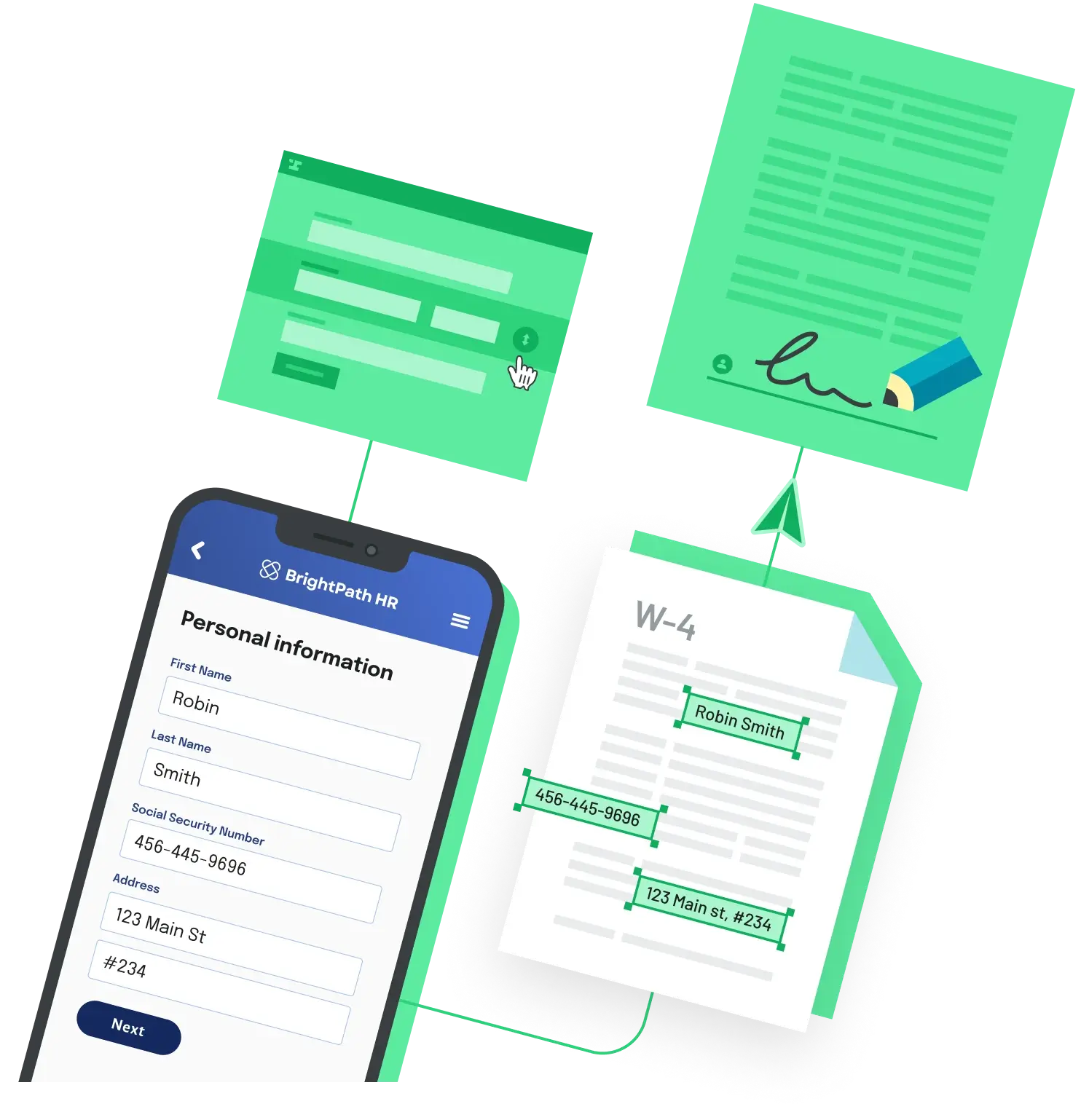
To place a signature field on a PDF through an API, you define the field's page and rectangle, then tell the service which signer fills it. Here is the pattern with Anvil's e-signature API and its Python client, python-anvil.
Define each field by page and rectangle
import base64
from python_anvil.api import Anvil
from python_anvil.api_resources.payload import (
    DocumentUpload, Base64Upload, SignatureField,
    EtchSigner, SignerField,
)
from python_anvil.api_resources.mutations.create_etch_packet import CreateEtchPacket

with open("nda.pdf", "rb") as f:
    b64 = base64.b64encode(f.read()).decode("utf-8")

# Every field needs an id, a type, a 0-indexed page_num,
# and a rect (x, y, width, height) in PDF points.
nda = DocumentUpload(
    id="nda",
    title="NDA",
    file=Base64Upload(data=b64, filename="nda.pdf"),
    fields=[
        SignatureField(id="recipientSignature", type="signature",
                       page_num=1, rect=dict(x=270, y=374, height=22, width=142)),
        SignatureField(id="recipientSignatureDate", type="signatureDate",
                       page_num=1, rect=dict(x=419, y=374, height=22, width=80)),
    ],
)
The rect coordinates are PDF points (72 per inch) measured from the top-left of the page. The type accepts values like signature, signatureDate, fullName, and email, so the same call also drops in initials, printed names, or dates.
Point a signer at those fields
signer = EtchSigner(
    id="signer1",
    name="Casey Signer",
    email="casey@example.com",
    # The signer clicks these fields in the order listed.
    fields=[
        SignerField(file_id="nda", field_id="recipientSignature"),
        SignerField(file_id="nda", field_id="recipientSignatureDate"),
    ],
)

packet = CreateEtchPacket(name="NDA", is_draft=False, is_test=True)
packet.add_file(nda)
packet.add_signer(signer)

anvil = Anvil(api_key="YOUR_API_KEY")
res = anvil.create_etch_packet(payload=packet)
print(res["data"]["createEtchPacket"]["detailsURL"])
SignerField links a signer to a field: file_id matches the DocumentUpload id and field_id matches the SignatureField id. Sending the packet emails the first signer a link to sign, and they sign the fields in the order listed.
Two things that trip people up
First, page_num is zero-indexed, so the first page is 0, not 1. A field that lands on the wrong page is almost always a 1-indexing assumption. Second, hardcoded coordinates break when the PDF layout changes. For a document you reuse, configure the fields once as a template in the dashboard and reference it by id, instead of passing a rect on every request.
Back to All Questions