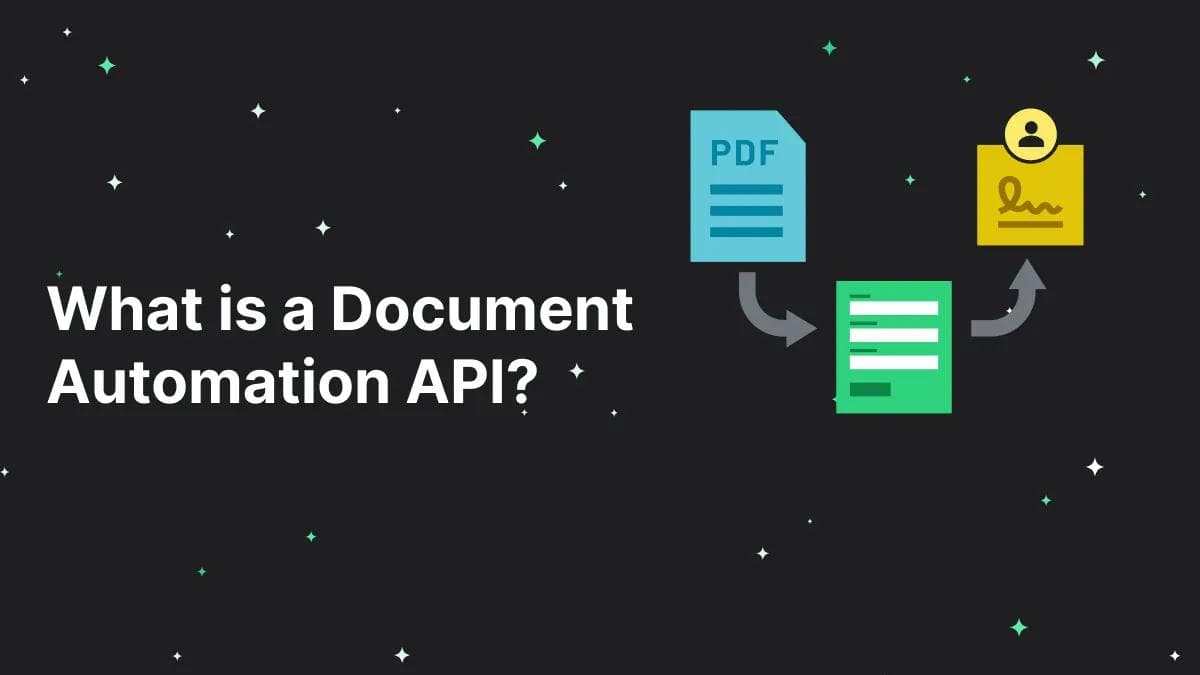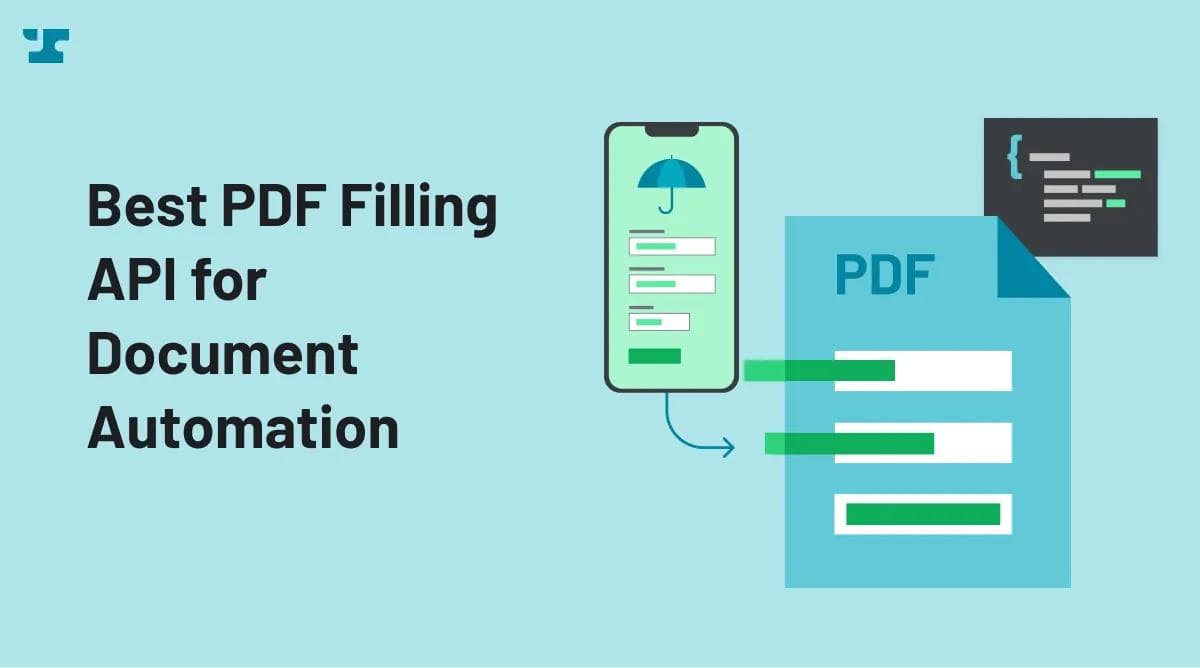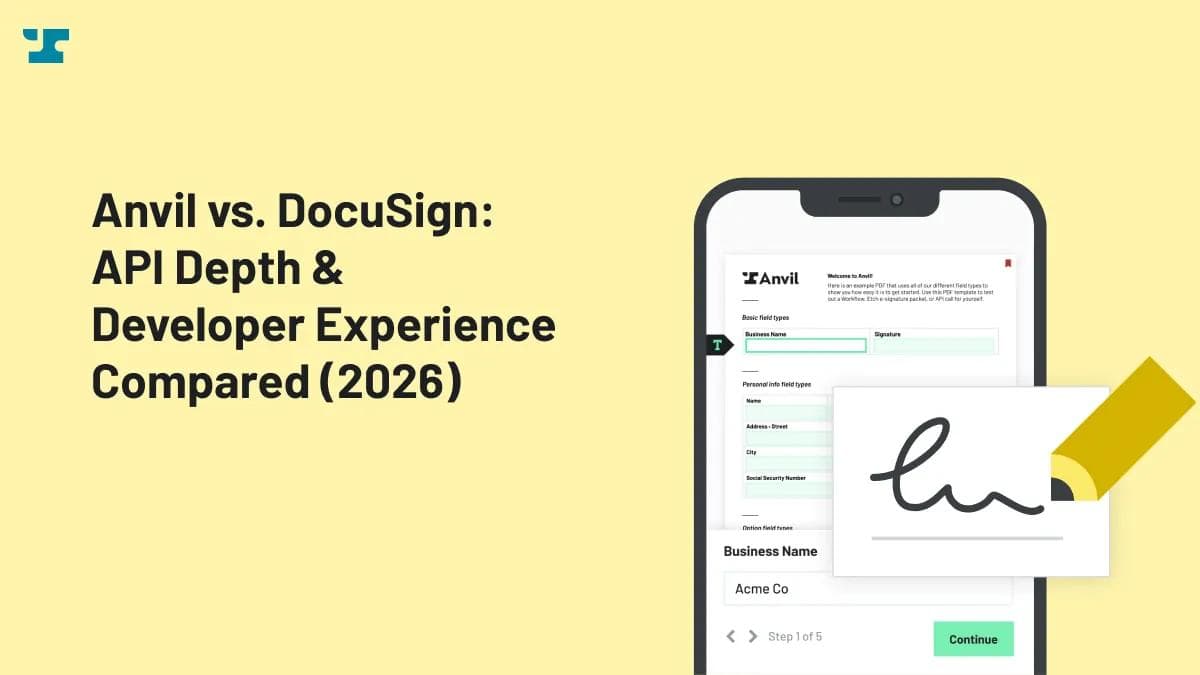
Choosing where to build your document workflows comes down to a fundamental question: do you need a signing tool, or do you need a document automation stack? DocuSign dominates enterprise agreement management. It has brand recognition, a massive integration ecosystem, and deep roots in procurement workflows. Anvil takes a different approach, built as an API-first platform where PDF filling, PDF generation, and e-signatures live under one roof.
Every interaction with DocuSign's API flows through the "envelope," a container that bundles documents, recipients, and signing steps. Want to fill a PDF with data and return it to a user? You still have to create one. Anvil treats PDF operations and signing as independent capabilities that you can compose together or use separately.
Quick Overview
Anvil is an API-first document automation platform. It combines PDF filling, PDF generation (HTML/CSS or Markdown to PDF), and embedded e-signatures into a single API ecosystem. The primary audience is developers and product teams building high-volume document workflows into their own applications.
DocuSign is an enterprise agreement management suite. E-signature is its flagship product, and API access exists on top of that product. Enterprise procurement and legal teams are the primary audience; API usage is a secondary (though well-supported) use case.
Dimension | Anvil | DocuSign |
|---|---|---|
Core Focus | Document automation API | Enterprise eSignature + agreement management |
API Style | REST + GraphQL | REST only |
PDF Filling | Native standalone endpoint | Tied to envelope/signing workflow |
PDF Generation | HTML/CSS or Markdown to PDF | Not available within core eSignature REST API |
Embedded Signing | White-labeled, iframe-native | Available; branding requires paid tier |
Auth Model | API key (simple) | OAuth 2.0 (JWT, Auth Code) |
Rate Limit | 40 req/s (paid plans) | 3,000 calls/hour, 500/30s burst |
Entry Pricing | $0 free tier; $0.10/API call | $50/month; envelope-based |
Compliance | SOC 2 Type II, HIPAA attestation, eIDAS-compliant signatures; GDPR compliant | Enterprise-grade; varies by plan |
Comparison Methodology
Each platform is evaluated across eight dimensions:
- API architecture and design philosophy
- PDF filling and generation capabilities
- Embedded signing and white-labeling
- Authentication and security model
- Rate limits and scalability
- SDK availability and developer tooling
- Webhook support
- Pricing model and total cost of ownership
All technical claims are sourced from official documentation and pricing pages. Where a feature is absent, that absence is confirmed against the vendor's current public docs, not assumed.
Feature-by-Feature Analysis
1. API Architecture
Most developers building on DocuSign will encounter the envelope model within their first hour. DocuSign exposes REST across multiple separate APIs: eSignature REST API, Admin API, CLM API, IAM APIs, and Notary API. The envelope holds documents, recipients, and workflow instructions, and every operation passes through it. Teams familiar with DocuSign's web UI will recognize the same concepts in the API. But even simple operations, like populating fields in a PDF with no signature required, mean creating an envelope. No standalone fill endpoint exists. The core eSignature REST API also lacks PDF generation from HTML or Markdown, so applications that dynamically create documents before signing need a separate generation service.
Anvil sidesteps that coupling entirely. The /api/v1/fill endpoint accepts JSON and returns a filled PDF with no signing container, no recipient assignment, no workflow overhead. PDF filling is stateless request/response over REST. The Etch E-Sign API uses GraphQL for e-signatures and account management, giving clients flexible querying over complex state like signer ordering, packet status, and webhooks. An Embedded Builders API lets you embed a PDF template builder UI directly inside your application, so end users can create and edit templates without leaving your product. One integration covers filling, generating, signing, and template management. DocuSign spreads those operations across separate APIs with their own integration logic.
Factor | Anvil | DocuSign |
|---|---|---|
API style | REST + GraphQL | REST only |
PDF fill | Standalone endpoint | Bound to signing container |
PDF generation | HTML/CSS or Markdown | Not available in core eSignature API |
API surface | Unified document platform | Spread across multiple APIs |
2. Authentication
The first thing any developer hits when integrating a new API is auth, and the two platforms sit at opposite ends of the complexity spectrum.
DocuSign requires OAuth 2.0 for all API access. JWT Grant for server-to-server integrations supports impersonation, letting one service account act on behalf of multiple users without sharing credentials. Authorization Code Grant is available for user-facing apps. For enterprises managing hundreds of users and delegated permissions across teams, OAuth's granular scoping is a genuine advantage. HMAC is used for webhook payload verification. That flexibility requires upfront work: JWT Grant needs a one-time user consent flow before automated calls can proceed. You'll configure scopes (signature, impersonation, etc.), generate RSA key pairs, and implement token refresh logic. Budget a day or two for RSA key generation, scope configuration, and consent grant navigation.
Anvil authentication is an API key via HTTP Basic Auth (key as username, password left blank). Retrieve the key from Organization Settings, add it to your request headers, and you're making calls. No OAuth consent flows, no token refresh logic, no scope configuration. A prototype can be running the same afternoon. If your use case doesn't require impersonation or delegated access across a large org, you skip all of that ceremony and lose nothing.
Factor | Anvil | DocuSign |
|---|---|---|
Auth method | API key (HTTP Basic) | OAuth 2.0 (JWT, Auth Code) |
Server-to-server setup | Immediate | Requires JWT consent flow |
Webhook security | HMAC payload signing | HMAC signature verification |
3. PDF Filling and Generation
A home insurance company issues 800 pre-filled quote PDFs per day, each populated with property data, coverage limits, and agent details pulled from their underwriting system. No signature needed at the quote stage.
On DocuSign, even this signature-free operation requires creating an envelope, defining tabs (DocuSign's term for fields) in the API payload, and assigning at least one recipient. Every fill carries the overhead of a signing workflow, even when nobody will ever sign. Anvil's PDF Filling API handles it in one call: send a POST to /api/v1/fill with your template ID and a JSON payload of field values, receive a filled PDF in the response. Supported field types include text, checkboxes, radio buttons, date fields, signature fields, and images. AI-powered field detection handles template setup, identifying and labeling fields automatically so you don't have to manually map coordinates. Filling and signing are decoupled: you can fill a PDF and return it without ever initiating a signature request. When workflows do require signatures, filling is baked into the Etch E-Sign API so you can fill and sign in one call.
For PDF generation, Anvil accepts HTML/CSS for complex layouts or Markdown for simpler documents and returns a generated PDF. Dynamic invoices, reports, custom contracts, anything that doesn't start from a template can be generated this way, with support for repeating pages, overflow items, and custom fonts. DocuSign's core eSignature REST API has no native PDF generation from HTML, CSS, or Markdown. Applications that dynamically create documents before signing need a separate generation service like wkhtmltopdf, Puppeteer, or a commercial API.
Factor | Anvil | DocuSign |
|---|---|---|
Standalone PDF fill | Yes, /api/v1/fill | No, signing container required |
PDF generation | HTML/CSS or Markdown | Not available in core eSignature API |
AI template creation | Yes, field detection + labeling | No |
Fill without signing | Yes | No |
4. Embedded Signing
Multi-party signing gets complicated fast. In a commercial lease, the tenant provides a business address and entity details, and the landlord's countersignature page needs to reflect that information. Insurance endorsements, B2B vendor agreements, and real estate closings all hit this same dependency: signer two needs data from signer one.
DocuSign handles this through a familiar flow: create an envelope, request a recipient view URL, and embed that URL in an iframe. The signing experience is battle-tested across millions of transactions, and signers who have used DocuSign before will see a familiar interface. That recognition reduces friction in B2B contexts where trust matters. The default experience carries DocuSign branding; custom branding requires the Intermediate plan at $300/mo or above. DocuSign does not offer a dedicated React component library for embedded signing, though React integration via iframe URL is achievable and sample apps (including a Node.js + React embedded sending example) are available in their developer resources. Webhooks are handled through DocuSign Connect at the account level. But the document is static once created. Getting signer two to see data from signer one means pulling data from the first signing event, updating the document externally, and creating a new request for the second signer. Your team owns and maintains that orchestration logic.
Anvil's Etch E-Sign API eliminates that orchestration entirely. Progressive Signing updates document data between signers so signer two sees information that signer one provided, with no external document manipulation required. Interactive Signing lets you collect additional data from signers during the signing process itself (a signer filling in their address or selecting options while signing). The signing URL embeds in an iframe, and React components handle iframe events and lifecycle management. The signing UI is white-labeled: custom stylesheet, your logo, and customized signer emails are all configurable so the experience looks like your product. White labeling is included on the Product Pack ($425/mo) and above. Parallel Signing, Pending Signers, and In-person Signing round out the options. Webhook notifications can be configured per signing packet with packet-specific URLs, which eliminates filtering a single account-level event stream when managing hundreds of concurrent signing flows.
Factor | Anvil | DocuSign |
|---|---|---|
White labeling | Product Pack ($425/mo) | Intermediate ($300/mo) |
React components | Yes, dedicated component library | No dedicated component library; iframe URL integration possible |
Interactive Signing | Yes | No |
Progressive Signing | Yes | No |
Webhook scope | Per-packet URLs | Account-level Connect |
5. Rate Limits and Scalability
Picture two services hitting one DocuSign account: a signing service and a document status poller. DocuSign caps API usage at 3,000 calls per hour per account, shared across all applications connected to that account. A burst limit of 500 calls per 30 seconds applies. Polling is restricted to one GET request per URL every 15 minutes. A spike in signing volume eats into the quota, your status poller starts getting 429s, and both services degrade while you wait for the hourly window to reset. The 15-minute polling restriction makes simple "check and retry" patterns impractical on top of that. Teams running multiple services against one DocuSign account should model their combined call volume against that shared cap before going to production.
Anvil's rate limit on the AI Pack ($99/mo) and above is 40 requests per second with no hourly cap or polling restriction documented. The free plan includes 500 API calls per month. Metered usage is $0.10 per PDF fill or generation call, with pre-paid bulk pricing available for volume discounts. Processing a batch of 200 PDFs takes at most five seconds at the 40 req/s ceiling.
6. SDKs and Developer Tooling
A .NET or Java backend team evaluating DocuSign will find official SDKs in seven languages: C#, Java, Node.js, PHP, Python, Ruby, and Go. Mobile SDKs are also available. Those SDKs handle OAuth token management, envelope creation, and webhook parsing, which can save weeks of integration work. DocuSign also offers 1,000+ pre-built integrations with enterprise software, an API usage center, and a dashboard on all paid plans. Organizations running Salesforce, Microsoft 365, or SAP will likely find a connector already built and maintained. No other document signing vendor matches this breadth across backend languages and enterprise platforms.
Anvil provides open source clients for Node.js and Python, plus a Postman collection for quick experimentation. The Anvil documentation includes a GraphQL reference for the Etch E-Sign API. Ruby, Go, Java, and PHP teams will be writing HTTP calls directly. For the Node.js and Python shops that make up a large share of web application backends, the open source clients cover the core API surface well.
Where Anvil offers something DocuSign simply doesn't is the Embedded Builders API: a PDF template builder UI that you embed directly in your application, so your end users can create and manage templates without switching tools. Products that need end users to configure their own document templates would require building that UI from scratch on top of DocuSign's API.
Factor | Anvil | DocuSign |
|---|---|---|
Official SDKs | Node.js, Python (open source) | 7 languages + mobile |
Pre-built integrations | Zapier + API | 1,000+ |
Embedded builder UI | Yes | No |
Free sandbox | Yes (free plan) | Yes (demo account) |
Pricing and Total Cost
Pricing Comparison
Tier | Anvil | DocuSign |
|---|---|---|
Free/Sandbox | $0 (UI only; API key needs card) | Free developer sandbox |
Entry | $99/mo (AI Pack) | $50/mo (Starter, 40 envelopes) |
Mid-Tier | $425/mo (Product Pack) | $300/mo (Intermediate, 100 envelopes) |
Advanced | N/A | $480/mo (Advanced, PowerForms, Bulk Send) |
Enterprise | Custom | Contact sales (5-user min) |
Usage-Based Costs (Anvil)
- PDF fill/generation over API: $0.10 per call
- Integrated Etch E-sign packet: $1.50 per packet
- Integrated Workflow submission: $1.00 per submission
- Pre-paid bulk pricing available for volume discounts
Pricing Model Differences
Anvil uses a subscription tier plus metered usage per API call or signing packet. DocuSign uses subscription tiers with envelope-based limits (per document sent for signing). DocuSign's cost scales with signing volume, while Anvil's cost scales with total API call volume, including non-signing operations like PDF fills and generation.
For teams doing high volumes of PDF filling without signatures, the cost difference is stark. DocuSign's Starter plan at $50/mo with 40 envelopes requires a signing container even for fill operations, so a team filling 1,000 PDFs per month would blow past that allocation on day one. On Anvil, 1,000 PDF fills at $0.10/call costs $100, and a single API key covers filling, generation, and signing with usage tracked in one place.
Who Each Platform Serves Best
Anvil Is the Right Fit When:
Anvil makes the most sense for teams where document automation is the product, not a bolt-on. Think an insurance company generating and filling hundreds of policy documents per day, or a fintech app that needs signed agreements collected inside its own branded UI, or a healthcare startup assembling intake packets with e-signatures baked into the patient onboarding flow. If your backend runs Node.js or Python, you'll have a working integration in hours because auth is just an API key. Batch jobs run at predictable throughput on per-second rate limits. And because PDF filling, PDF generation, and e-signatures all live in one API, you're not stitching together separate services and hoping they stay compatible.
The multi-party signing features are where Anvil pulls away from what you can do with DocuSign without writing a lot of glue code. Progressive Signing and Interactive Signing mean you don't have to build the orchestration layer yourself when signer two needs data from signer one. If that describes your workflow, you'll feel the difference immediately.
DocuSign Is the Right Fit When:
If your organization already pays for DocuSign and the buying decision goes through procurement, adding API access to that existing contract is almost always the right call. You skip a new vendor review, a new security assessment, and a new budget line item. That switching cost is real and worth respecting.
DocuSign also wins when your integration story is mostly about connectors, not custom code. The 1,000+ pre-built integrations with Salesforce, Microsoft 365, SAP, and similar platforms represent years of connector work you don't have to redo. A signing workflow that lives inside Salesforce and needs triggers, status updates, and document storage without custom code is exactly what DocuSign's native connector was built for.
If your backend is .NET, Java, Ruby, Go, or PHP, DocuSign's seven official SDKs with type definitions and token management will save you real time compared to writing raw HTTP calls against Anvil's API. And if signing is the primary use case, without much need for standalone PDF filling or generation, DocuSign's signing UX is trusted by millions of users. Enterprise buyers often prefer it by default, and that preference has weight.
Frequently Asked Questions
Q: Can I fill a PDF without triggering a signing workflow?
With Anvil, yes. The standalone /api/v1/fill endpoint accepts JSON and returns a filled PDF. No recipients, no signing step. DocuSign has no equivalent; every field population requires creating a signing container, even if nobody ever signs.
Q: Which platform is easier to authenticate for server-to-server integrations?
Anvil uses an API key via HTTP Basic Auth: retrieve it from Organization Settings, add it to your headers, and you're live. You can have a working integration the same afternoon. DocuSign's OAuth 2.0 with JWT Grant involves RSA key pair generation, scope configuration, and a one-time user consent flow. It's standard for enterprise APIs, but budget a day or two for setup. The trade-off is that DocuSign's OAuth model supports impersonation and granular scoping, which matters when you're managing delegated access across a large organization.
Q: Does either platform support generating PDFs from HTML?
Only Anvil. Pass HTML/CSS for complex layouts or Markdown for simpler documents and get a PDF back. DocuSign's core eSignature REST API has no native PDF generation, so you'll need a separate service (wkhtmltopdf, Puppeteer, a commercial API) alongside DocuSign if your application dynamically creates contracts or reports before collecting signatures.
Q: How does white-label embedded signing compare?
Both platforms support it. Anvil includes white-labeled signing (custom stylesheet, logo, signer emails) on the Product Pack at $425/mo, with dedicated React components for iframe integration and lifecycle management. DocuSign offers custom branding starting at $300/mo on the Intermediate plan but does not provide a dedicated React component library, though iframe URL integration is possible and sample apps are available.
The more meaningful difference is mid-flow flexibility. Anvil's Interactive Signing and Progressive Signing let you collect and propagate data between signers as the workflow progresses. DocuSign's document is static once the signing request is created, so achieving the same result requires pulling data after the first signer completes, updating the document externally, and spinning up a new request for the next signer.
Q: What compliance certifications does each platform hold?
Anvil holds SOC 2 Type II and HIPAA attestation, supports eIDAS-compliant signatures, and is GDPR compliant. DocuSign offers enterprise-grade compliance, with specifics varying by plan. Both support legally binding e-signatures. Healthcare and finance teams should confirm the specific certifications available on their plan tier directly with each vendor before committing.
Q: How do rate limits compare for high-volume integrations?
Run two services against a single DocuSign account and you'll feel the constraint quickly. The 3,000 calls/hour cap is shared across every application on the account, and once you hit it, all calls block until the next hour. Polling is restricted to 15-minute intervals on top of that. Anvil allows 40 requests per second on paid plans with no hourly cap, so a batch of 200 PDFs processes in about five seconds and your status-checking service isn't competing for the same quota.
Final Verdict
Summary Table
Feature | Anvil | DocuSign |
|---|---|---|
Standalone PDF fill | ✅ Native endpoint | ❌ Signing container required |
PDF generation | ✅ HTML/CSS + Markdown | ❌ Not available in core eSignature API |
Embedded signing | ✅ White-labeled, iframe-native | ⚠️ Available; branding costs extra |
Interactive Signing | ✅ Included | ❌ Not available |
Auth simplicity | ✅ API key | ⚠️ OAuth JWT consent flow |
Rate limits | ✅ 40 req/s | ⚠️ 3,000/hr; polling restricted |
SDK breadth | ⚠️ Node.js + Python | ✅ 7 languages + mobile |
Pre-built integrations | ⚠️ Zapier + API | ✅ 1,000+ |
Free tier | ✅ $0 plan with sandbox | ✅ Free demo sandbox |
Entry pricing | ✅ $0.10/call metered | ⚠️ $50/mo + envelope limits |
The Bottom Line
DocuSign is good at what it was built for: sending contracts for signature. Seven official SDKs, a mature signing model, and 1,000+ enterprise connectors are real advantages. A .NET team wiring DocuSign into Salesforce can be productive in a day. If you already pay for DocuSign and just need to add API-driven signing to what you have, extending that contract is the pragmatic move.
Where DocuSign starts costing you is when your application needs documents to do more than get signed. You can't fill a PDF without wrapping it in an envelope. Generating a PDF from dynamic data requires a separate service. Passing data from one signer to the next means pulling it out after each signing event, updating the document yourself, and creating a new request. That's orchestration code you own forever.
Anvil collapses those steps. One POST fills a PDF. A separate endpoint generates PDFs from HTML. Progressive Signing passes data between signers without manual stitching. Auth is an API key. Rate limits are per-second, not a shared hourly pool.
The SDK gap matters if you're a Java or C# shop. DocuSign's connector library is unmatched for Salesforce-heavy organizations. But for Node.js or Python teams building products in insurance, fintech, healthcare, or HR tech, where the document workflow is the product itself, Anvil gets you to production faster with fewer moving parts. One API, one dependency, one vendor to deal with when something breaks.
- Start for free (no credit card required for sandbox)
- Read the full API documentation
- Talk to the Anvil team