TL;DR
All four vendors ship real, documented template REST APIs, so the choice comes down to two axes.
- Workflow-centricity: DocuSign, PandaDoc, and Dropbox Sign build their template APIs around an envelope and signature-sending flow. Anvil is API-first for standalone PDF generation that can also route into e-signature.
- Schema and field-mapping automation: Anvil's Document AI maps a new PDF to your own field keys at template-creation time. The other three rely on manual tagging, merge fields, or text tags.
- API availability is not the differentiator: DocuSign, PandaDoc, and Dropbox Sign all ship documented template APIs. The vendors differ in fit, not in whether the API exists.
- Best for: Anvil suits generation-first teams onboarding many document types into one data model. DocuSign, PandaDoc, and Dropbox Sign suit send-and-sign workflows.
What a document template API actually does
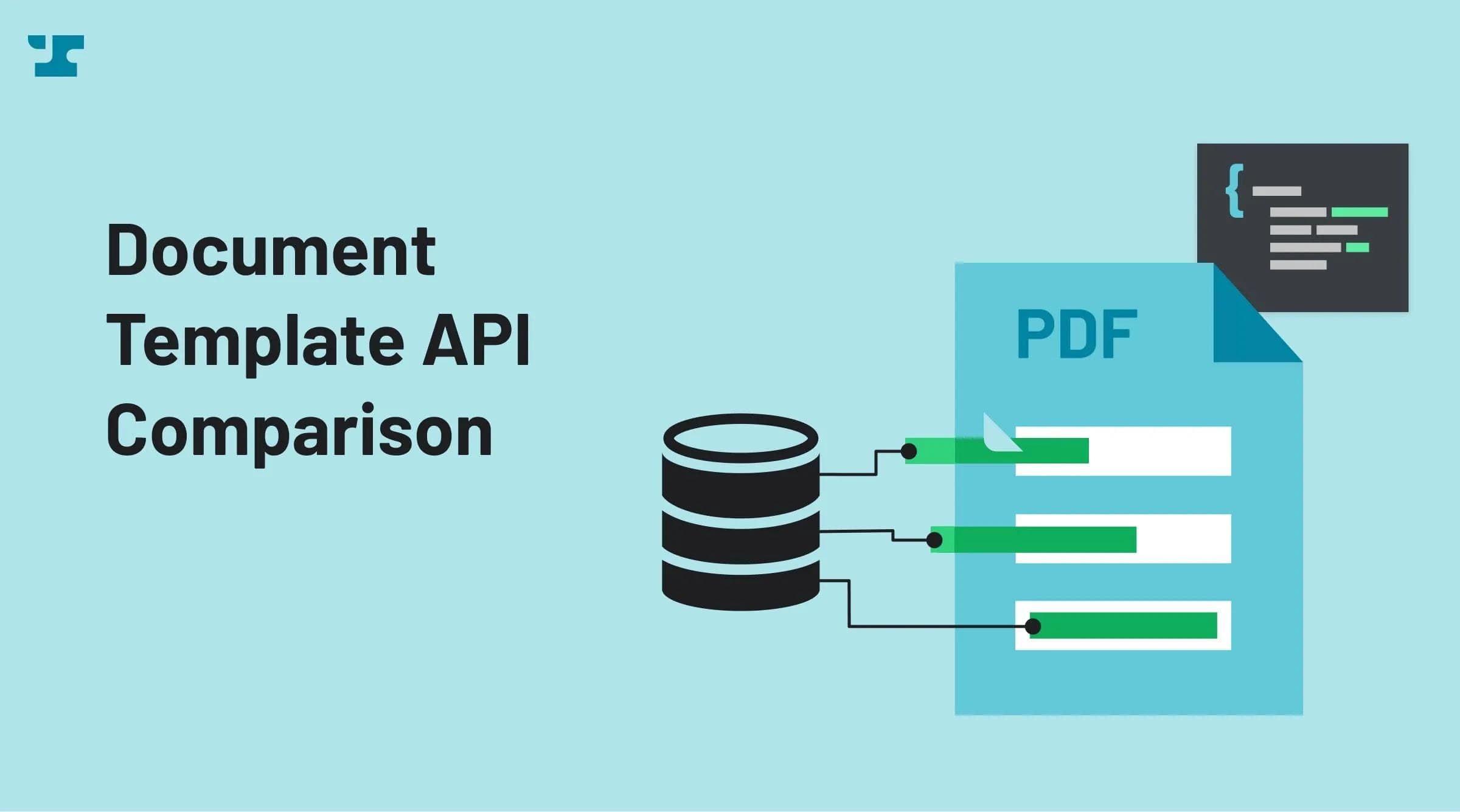
A document template API lets your code turn a reusable document layout into a finished file, or into a signature request, without a person touching the document each time. Every tool in this comparison handles that job across three layers, and the differences live in how each layer works.
The first layer is template creation, where you define the document and its fillable regions. Most vendors build this in a web editor. The second layer is data and field mapping, which connects your data (a customer name, a date) to the right spot on the page. The third layer is generation or sending, where you produce the filled document or route it out for signature.
Anvil, DocuSign, PandaDoc, and Dropbox Sign all cover these layers, but they weight them differently, and how each vendor weights them decides which tool fits your work.
Anvil
Anvil is an API-first platform for filling and generating PDF templates, built to produce documents from data rather than to route them for signature. You upload a PDF, and Anvil turns it into a reusable template that accepts structured data through a REST call, and we return a completed PDF. Signature routing exists as an option, but it sits on top of generation instead of defining it.
Because generation comes first, a template can serve more than a signature request. With Anvil, a filled template can go straight into a folder or a downstream system, or it can move into an e-signature flow when you actually need a signature. You choose per document, not per platform.
Our main technical advantage is Anvil's Document AI, triggered at template-creation time through the createCast API call. It reads a PDF, infers its fields, and maps them to field keys you define, so a new template lands inside your existing data model without manual tagging. A later section walks through how that mapping works in detail.
Best for: generation-first teams onboarding many document types into a single data model, where each new PDF needs to bind to fields like client.name and client.dob without an engineer re-touching every file.
DocuSign
DocuSign offers a documented template REST API, and it centers on the envelope. An envelope is DocuSign's container for one or more documents sent out for signature, and templates exist to make that sending repeatable. You build a template once with the document, its recipient roles, and its signature fields, then reuse it every time you send.
Most template setup happens in DocuSign's web editor, where you place tabs (signature, date, and text fields) onto the document by hand. The eSignature REST API then handles the runtime work. You reference a template by ID, populate its fields with recipient data, and create an envelope to send it. DocuSign supports webhooks through Connect and ships SDKs for most major languages, so triggering and tracking signature requests is well covered.
DocuSign falls short on pure generation because its templates assume a signature destination, so filling a PDF with data and getting the finished file back without a signing ceremony is not the shape the API is built for. Field tagging stays manual rather than inferred from the document.
DocuSign is best for teams standardizing send-and-sign workflows at scale, where every document routes to a signer and volume justifies a mature signature platform.
PandaDoc
PandaDoc offers a template REST API built around its document workflow, aimed at sales proposals, quotes, and contracts that end in a signature. You create a template in the PandaDoc editor, then call the API to generate a document from that template, populate it, and send it for signing.
Field binding in PandaDoc happens through merge fields and tags placed in the template editor, not through the API. You define named tokens in the editor, and the API supplies values for those tokens when you create a document from the template. PandaDoc also exposes webhooks for document status events and publishes an API reference with code samples in several languages, so tracking a proposal from sent to signed is straightforward.
The tradeoff is the same envelope-centric assumption you see across signature-first vendors. PandaDoc templates exist to move a document toward signature, not to generate standalone PDFs from your own data model without a send step. Adding a new template still means mapping its merge fields by hand in the editor.
PandaDoc works best for sales and proposal teams that want document assembly and signature in one tool, where the volume of distinct document types stays manageable and each template maps to a repeatable deal flow.
Dropbox Sign
Dropbox Sign, formerly HelloSign, offers a template API built around the same envelope-and-signature pattern as DocuSign and PandaDoc. You create a template in the web editor, place fields on the document, then use the API to send that template for signature and populate values at send time. Its API is designed for straightforward e-signature setup.
Fields in a Dropbox Sign template are defined manually, either by dropping them in the editor or by embedding text tags directly in the source document. The API reads those tags and merge fields when you send a signature request, filling them with the data you pass in. It does not infer field labels, detect boxes on an arbitrary PDF, or map fields to your own data keys automatically. Every new document type needs its fields placed by hand before the API can use them.
Best for lightweight e-signature integration where you send a fixed set of standard documents for signature and don't need standalone document generation or automatic mapping into an existing data model.
Comparison table
Compare the four vendors on the three layers that matter to you.
| Vendor | Template creation workflow | Field/data mapping method | API depth (webhooks/SDKs) | Best for |
|---|---|---|---|---|
| Anvil | API-first via createCast; templates fill/generate standalone or route to e-signature | Automated schema mapping at upload (Document AI) to caller-defined keys; manual optional | REST API, webhooks, JS/Python SDKs | Generation-first teams onboarding many document types into one data model |
| DocuSign | Web UI creates templates; API triggers and sends envelopes | Manual field tagging in the template editor | REST API, Connect webhooks, multiple SDKs | Standardizing send-and-sign workflows at scale |
| PandaDoc | Template editor with merge fields; API populates and sends | Merge fields and tagging placed in the editor | REST API, webhooks, SDKs | Sales and proposal teams needing document workflow plus signature |
| Dropbox Sign | Templates built with text tags; API sends and populates at send time | Manual text tags and merge fields | REST API, event callbacks, SDKs | Lightweight e-signature integration without standalone generation |
How Anvil's Document AI maps PDF fields to your schema
Anvil's schema mapping runs at template-creation time through the createCast API call, which processes a PDF in up to three stages before you ever fill it. It turns a raw PDF into a data model your code can target, without a person placing fields by hand.
The first stage finds the fields. Anvil's detectBoxesAdvanced locates the input boxes on the page. It works on scanned documents where there are no digital form fields to read, so a photographed intake form and a native PDF both come out with mapped input locations.
The second stage labels those fields. advancedDetectFields infers what each box means and what type of value it holds, so a box near "Date of birth" becomes a date field rather than an unnamed blank. You get typed, labeled inputs instead of a grid of anonymous rectangles.
The third stage maps those labeled fields to your own keys. Through the aliasIds parameter, you bring your existing schema and tell Anvil that the birth-date field should answer to client.dob and the name field to client.name. Because you define the keys, a new template plugs into the same field names your CRM, HRIS, or loan origination system already sends. When you add or swap a template, your integration code keeps writing to client.dob, so nothing downstream breaks.
DocuSign, PandaDoc, and Dropbox Sign take the opposite path. Their template fields are placed manually in a web editor or written into the file as merge fields and text tags, and each new document gets tagged again by hand. That tagging holds for signature sending, but the field names live in the template rather than in your schema. Onboarding a new document type becomes an engineering or ops task every time.
Anvil's schema mapping is a documented API capability, not a UI convenience, and it is gated to the AI Pack, Product Pack, and Enterprise plans. The Free plan does not include it, so budget for the AI Pack or higher if automated mapping is the reason you are choosing Anvil.
Setting up AI schema mapping
Turning on schema mapping takes one API call, detailed in full in Anvil's PDF templates documentation. Send a createCast mutation with your PDF file and three arguments enabled, and Anvil runs all three Document AI stages in sequence.
- Set
isTemplate: trueso the upload becomes a reusable template rather than a one-off fill. - Enable
detectBoxesAdvanced: trueto find input regions on the page, including scanned documents with no native form fields. - Enable
advancedDetectFields: trueto label each detected box with a field name and type. - Pass an
aliasIdsobject that maps your own field keys to plain-language descriptions, for example{ "client.dob": { description: "A client's date of birth", type: "date" } }. Anvil's AI matches this against the fields it finds in steps 2 and 3 and assigns your key to the matching field.
The response returns a Cast object with fields already carrying your aliasIds keys wherever the AI found a match. Not every alias is guaranteed to match on every document, and not every field on the page will map to one of your aliases. Anvil only assigns an alias when it's confident, so check the returned field list after upload and adjust your description text if a key you expected to match didn't. From there, filling the template works like any other Cast. Send a data payload keyed by your own field names, and Anvil returns the completed PDF.
Choosing between workflow-centric and generation-first template APIs
Match the tool to your system of record, not your feature wishlist. The deciding factor is whether your templates need to feed data into an existing model across many document types, or whether you need only signatures on a handful of standard forms.
Choose a generation-first API with schema automation when you onboard many document types into one data model. If your CRM, HRIS, or loan origination system already defines fields like client.name and client.dob, Anvil's schema mapping binds each new PDF to those keys at creation time, so adding or swapping a template does not force an engineer to re-tag fields. The more document types you onboard, the more remapping work this avoids compared with manual tagging.
Choose a workflow-centric tool when the job is getting signatures on standard documents. DocuSign, PandaDoc, and Dropbox Sign build their template APIs around sending an envelope for signature, and their manual tagging holds up fine when you maintain a stable, small set of forms. For send-and-sign at scale on documents that rarely change, the extra schema-mapping automation adds setup effort without saving you remapping work.
FAQ
Which document template API is best for developers? The best choice depends on whether your work centers on generating documents from data or on collecting signatures. Anvil fits developers who need to generate documents from data independent of a signature step, while DocuSign, PandaDoc, and Dropbox Sign are better when the primary job is sending standard documents for signature. In practice, matching the API to that split saves the most integration rework.
Does DocuSign have a template API? Yes. DocuSign documents a full template REST API with webhooks and SDKs. It is built around the envelope and signature-sending workflow, so you create templates in the web UI and use the API mainly to populate fields and send documents for signature.
How does AI field mapping work for PDF templates? AI field mapping automatically detects and labels the fields on a PDF so your code can target them without manual tagging. Anvil's Document AI does this at template-creation time through the createCast call, finding fields on any PDF including scanned files, inferring each field's label and type, and mapping them to your own schema keys such as client.name through the aliasIds parameter. The practical benefit is that a new template plugs into your existing data model without manual remapping.
Can I use a template API without sending for e-signature? With Anvil, yes. You can fill and generate a PDF as a standalone document, then route it into e-signature only if you need to. DocuSign, PandaDoc, and Dropbox Sign tie their templates to a signature-sending workflow, so pure data-to-PDF generation is not their design.