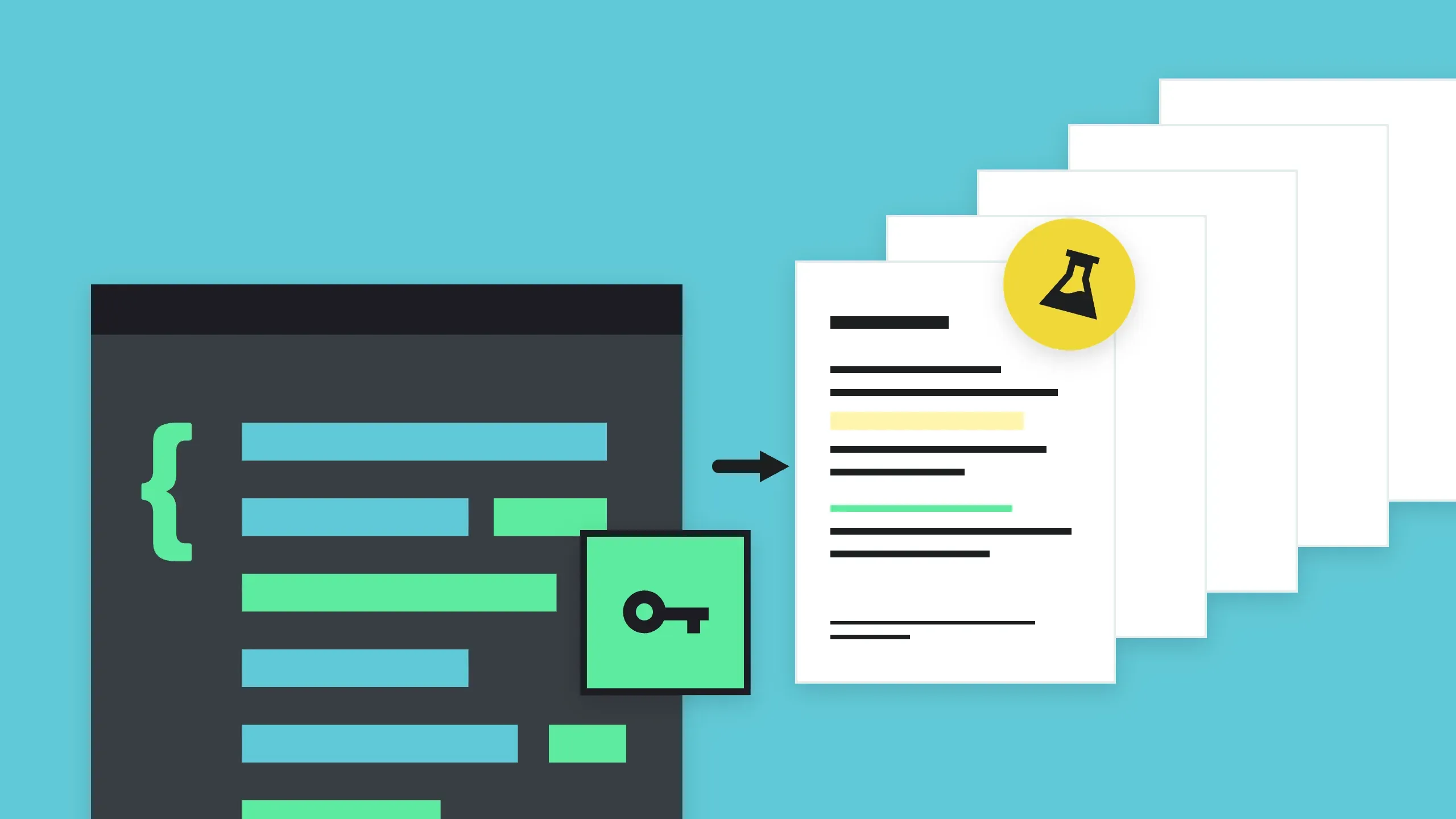
Generate PDFs with HTML/CSS
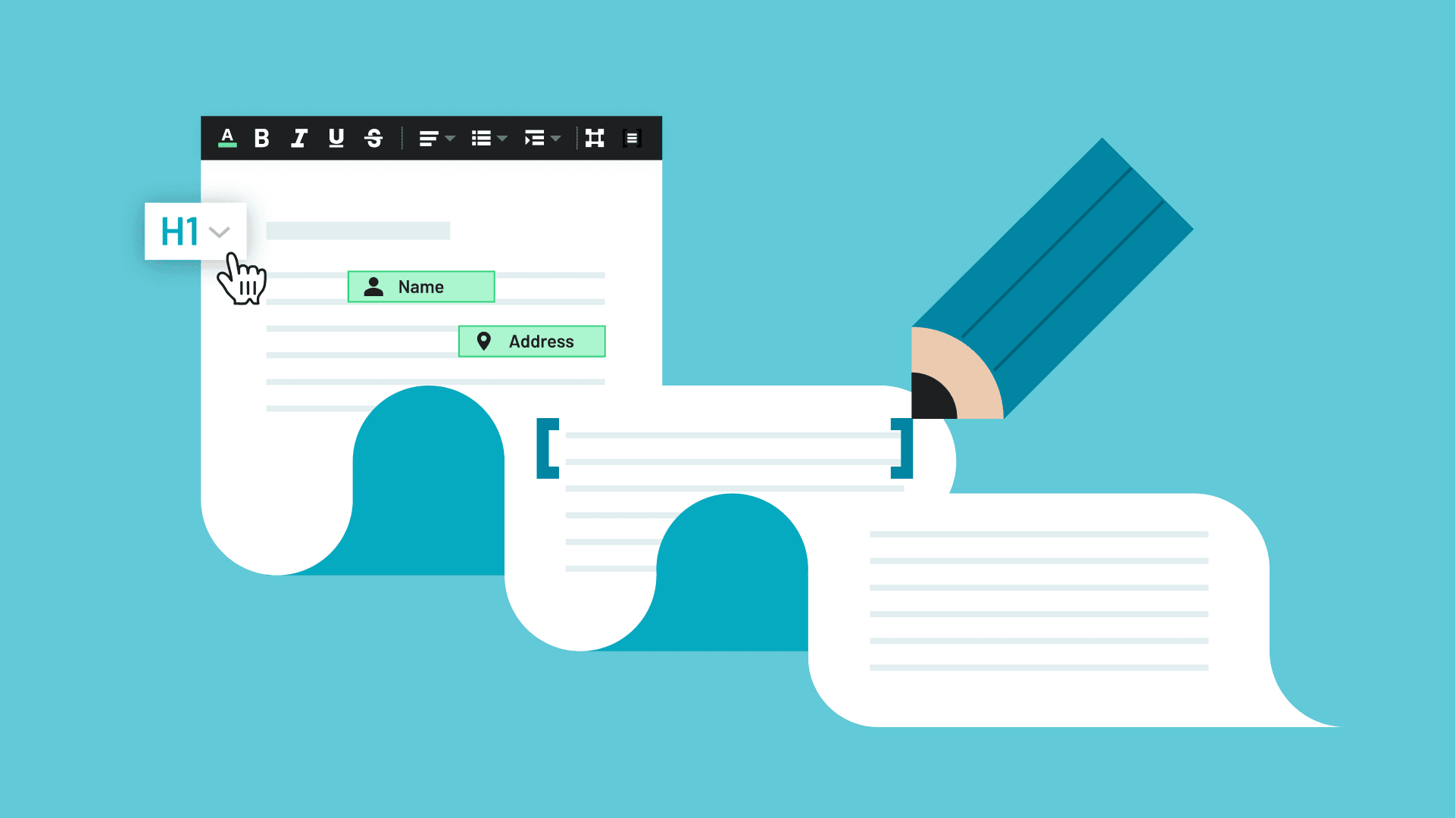
Use custom HTML and CSS to lay out and generate your PDF for a 100% pixel perfect document, with support for flexbox, grid, multi-column layouts, and running headers and footers.

Common use cases
Invoices
Contracts
Proposals
Key benefits
Generate PDFs over API
Lay out pages with modern CSS
Apply custom branding to your documents
Frequently asked
Sign up for an Anvil account and navigate to the PDF Generation API section. Follow the provided documentation to obtain your API key, explore sample code, and integrate the API into your application using your preferred programming language.
Yes, Anvil's free tier allows users to generate a limited number of PDFs per month. This is ideal for testing and small projects. For higher usage and additional features, paid plans are available with scalable options to suit different needs.
You can customize the appearance by using HTML and CSS templates. The API supports various styling options, including fonts, colors, images, and layout adjustments. By designing your templates with these technologies, you can create professional and visually appealing PDFs tailored to your specific requirements.
Yes. Anvil's HTML to PDF rendering supports modern CSS layout, including flexbox and CSS grid (with subgrid), along with floats, tables, and multi-column layouts. You can lay out invoices, reports, and contracts the same way you would build a web page.
You can use standard CSS for layout, typography, color, backgrounds, and borders, including flexbox, grid, floats, tables, and multi-column layouts. @page rules control page size, margins, and running headers and footers. Inline SVG renders with your document's CSS, and modern selectors such as :is() and :where() are supported.
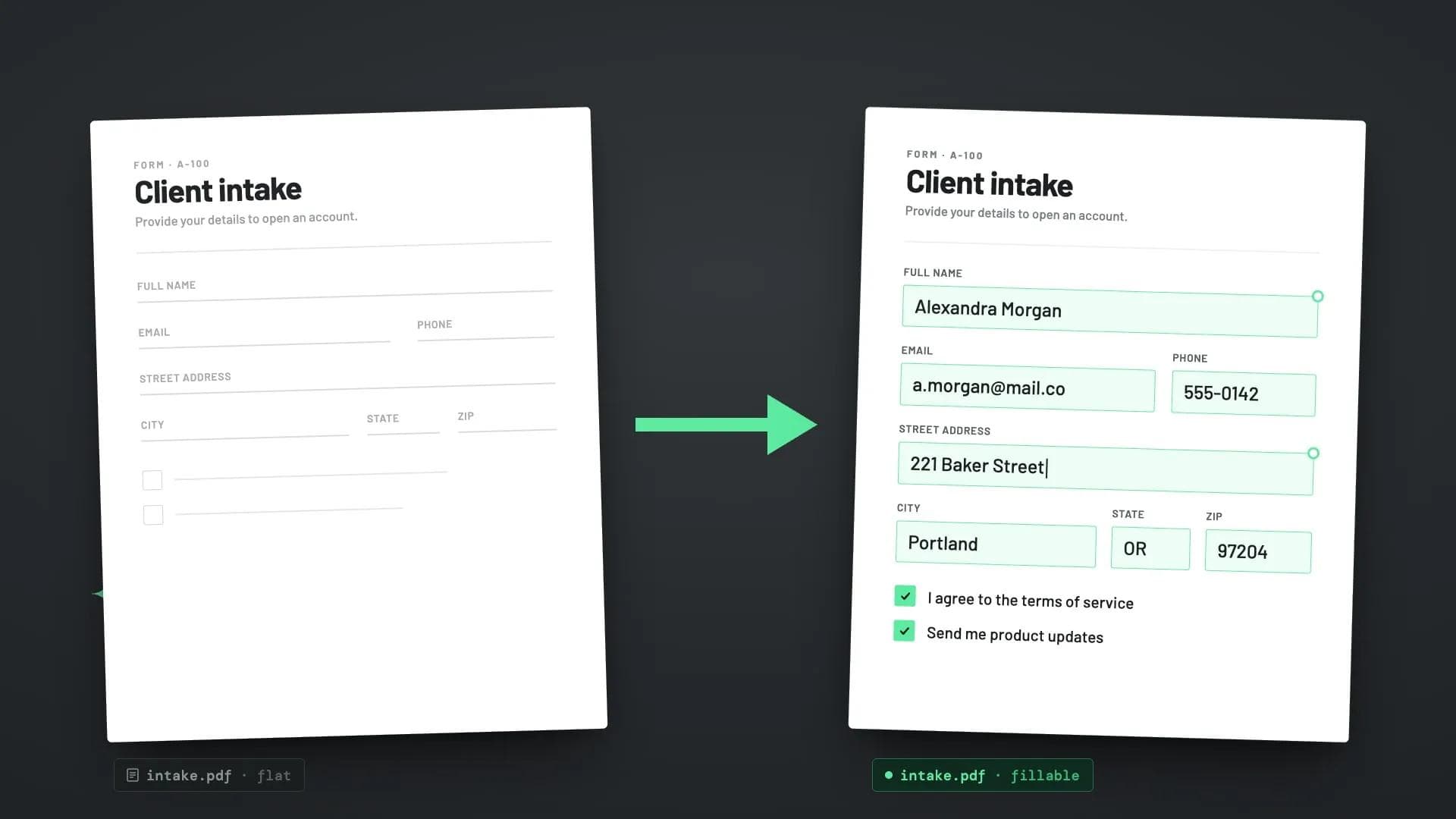
Yes, Anvil supports fillable fields (known as “acroform fields”) over API.
Yes, the API can integrate with various databases to fetch and incorporate data into your PDFs. Whether you’re using SQL, NoSQL, or other database systems, you can dynamically populate your PDF templates with real-time data to create customized documents such as reports, invoices, and receipts.
Yes, the API is designed to be highly integrable with various services and platforms. You can connect it with web applications, CRM systems, e-commerce platforms, and other third-party services using standard API calls, webhooks, or SDKs provided by Anvil.
Related resources