AI schema mapping
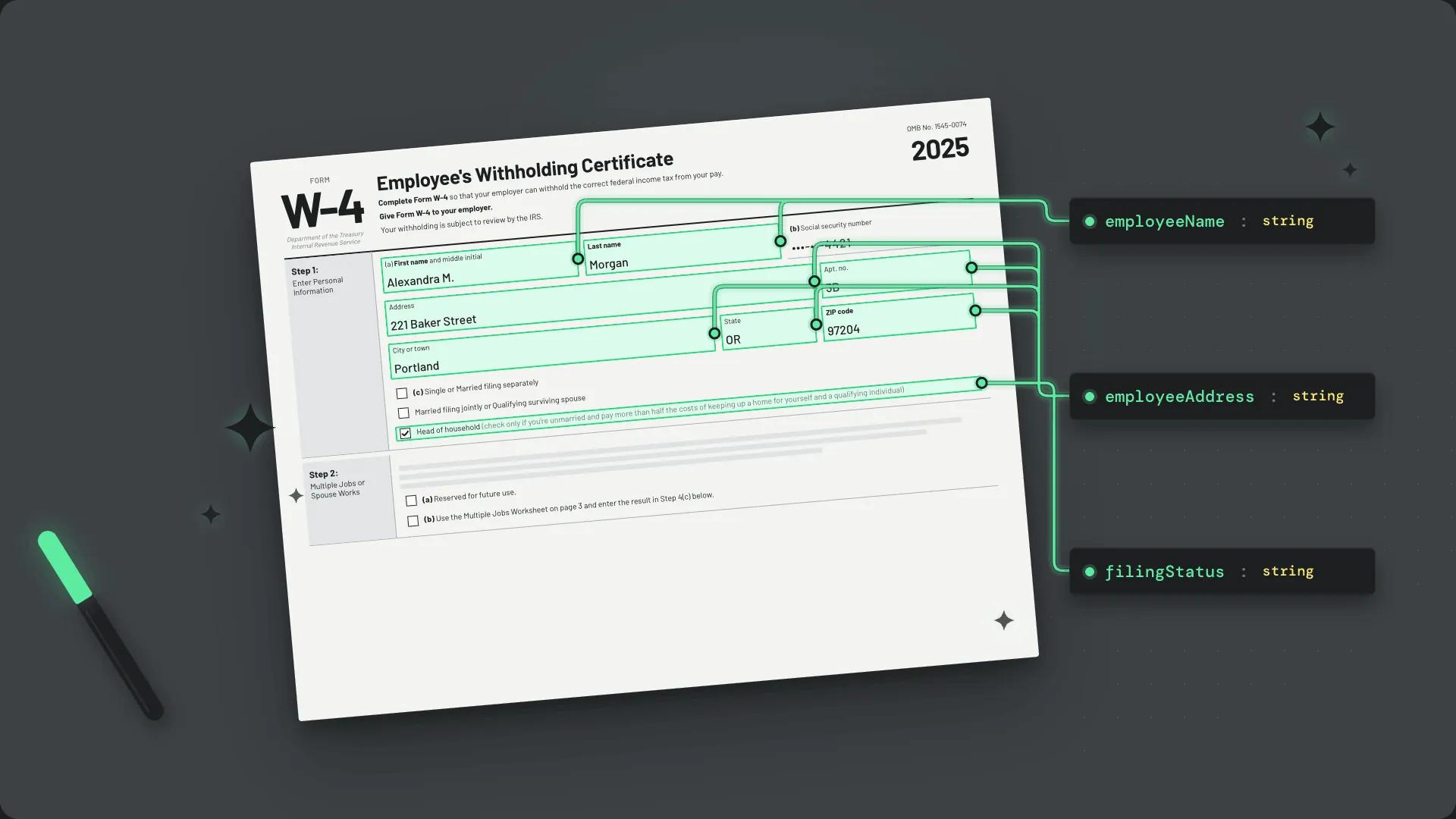
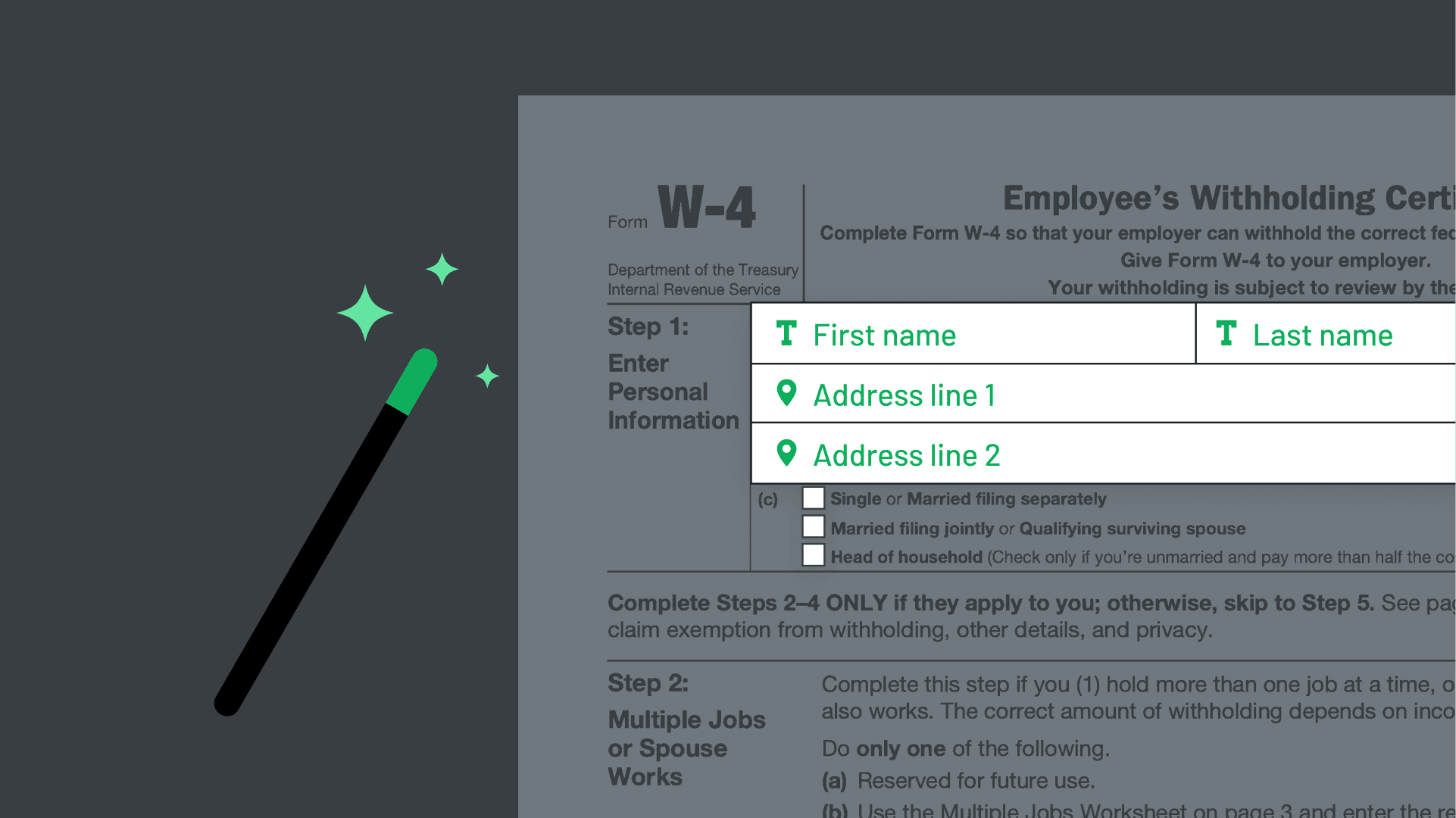
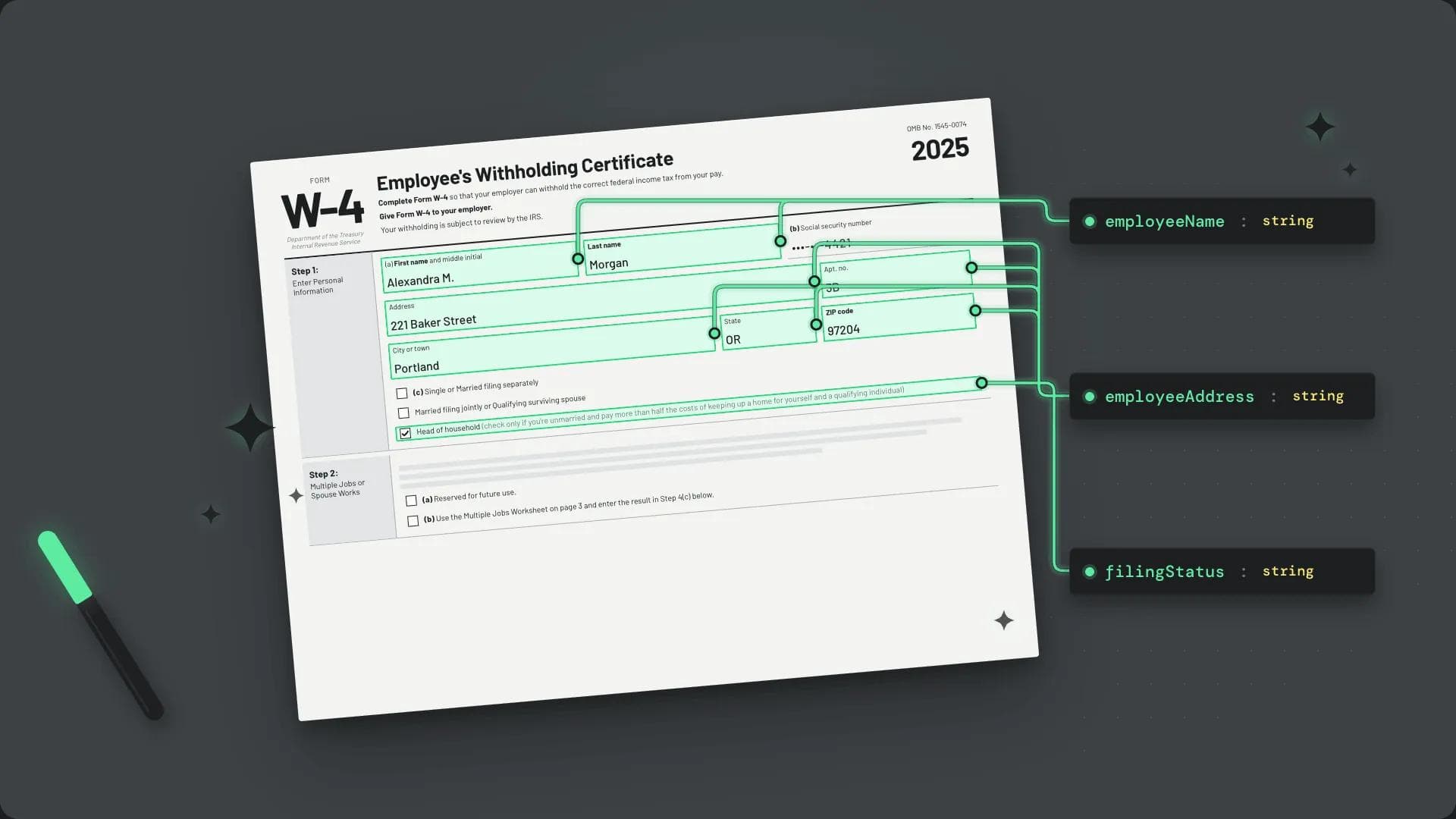
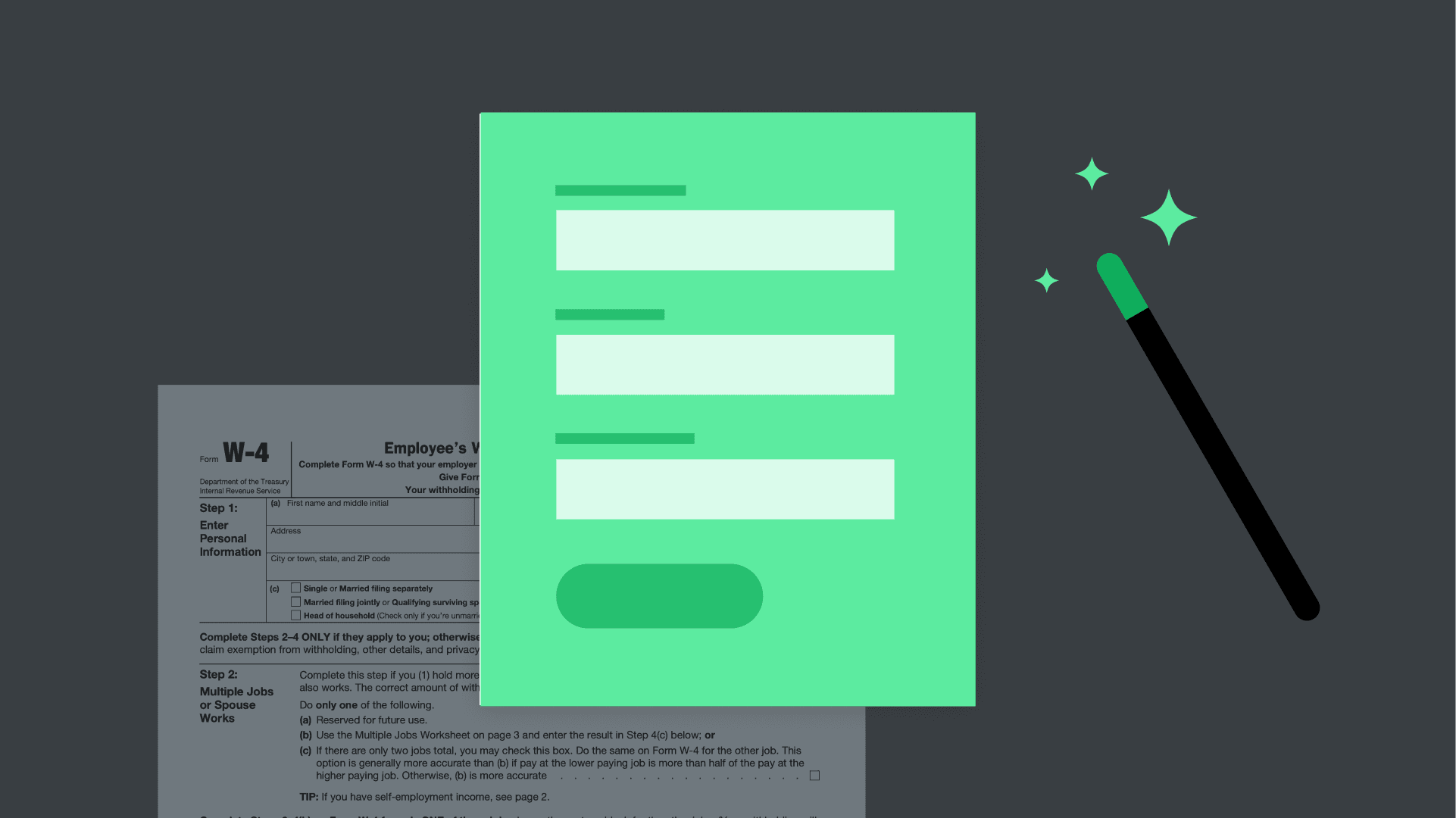
Pass in your own field schema and Anvil's AI maps detected fields to your existing data model – no manual remapping when you onboard a new document.
Available with:
Free
AI Pack
Product Pack
Enterprise
Common use cases
Integrations with internal systems
Make sure detected fields line up with your CRM or system of record so workflow output drops into existing pipelines, no transform needed.
Multi-form Workflows
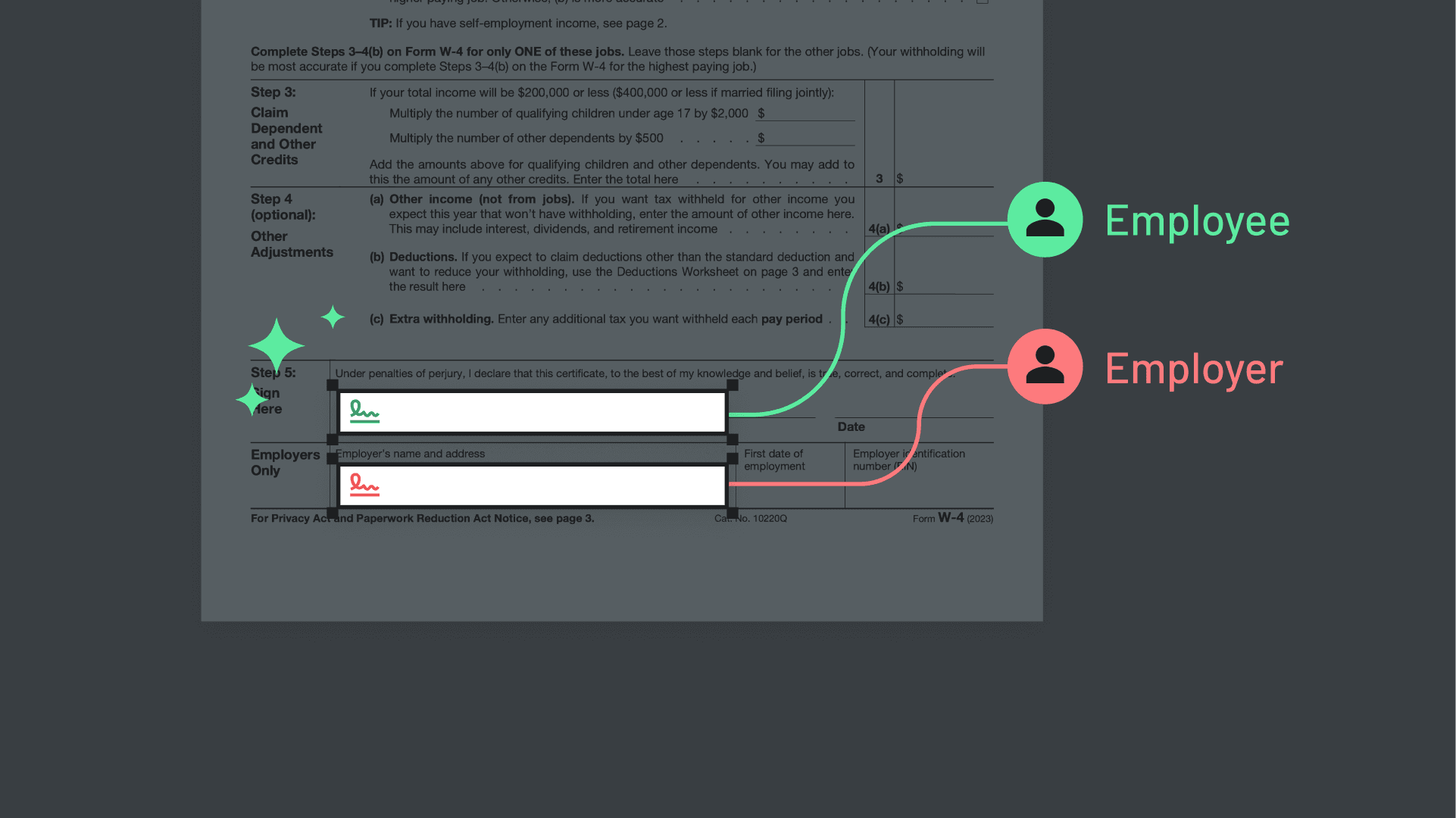
Use one shared schema across a Workflow that touches several documents, so signers only enter shared information once.
Standardized document libraries
Enforce a single canonical field schema across dozens or hundreds of templates, even when the source PDFs differ in layout.
Key benefits
Map to your existing data model
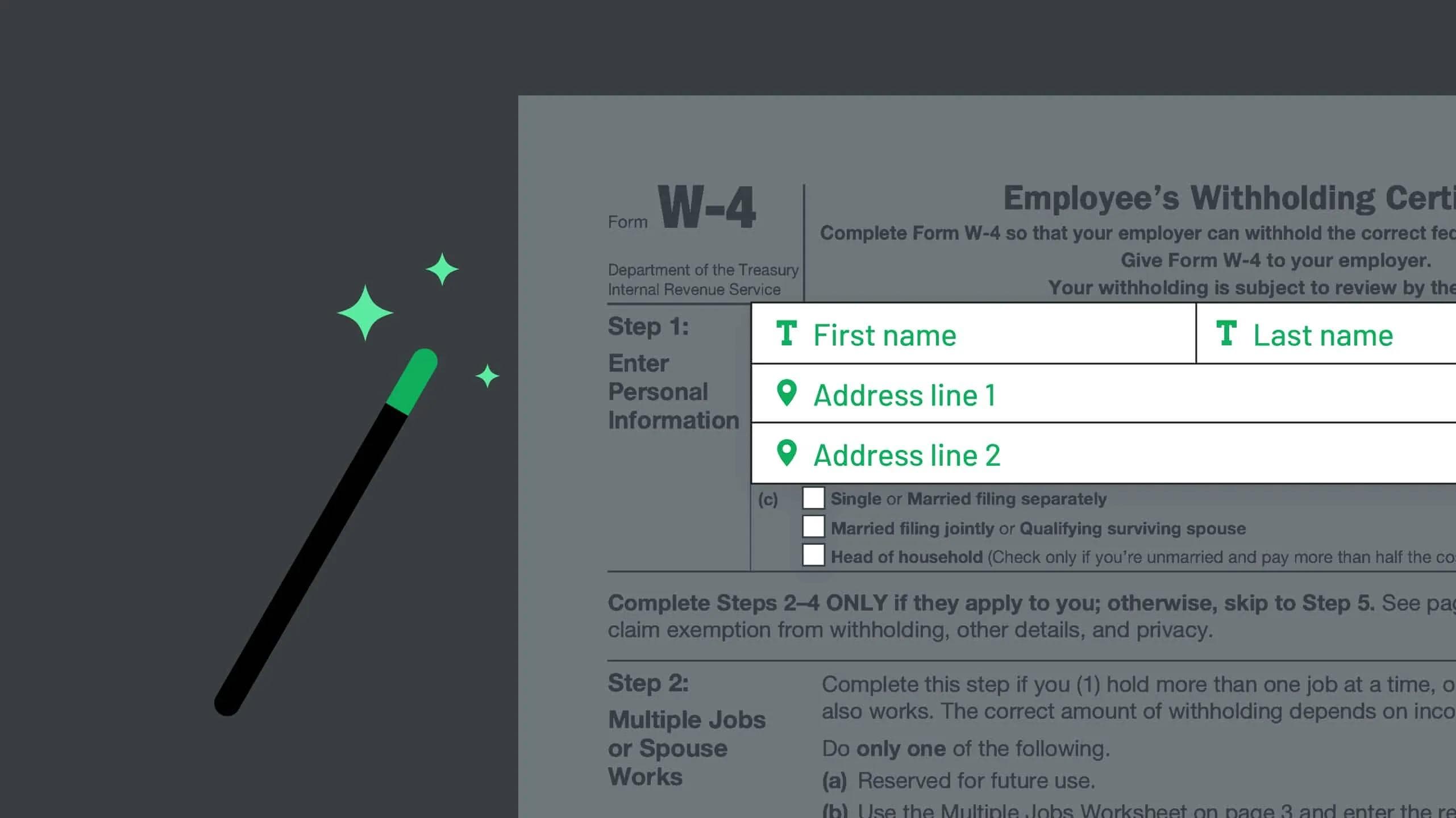
Don't accept whatever names the AI invents. Pass Document AI your field schema and it maps detected fields to the names, aliases, and types you already use downstream.
Onboard new documents at scale
Every new PDF you add to a Workflow inherits your schema automatically. Operations teams can expand the template library without engineering re-touching every file.
Keep your integrations stable
When the underlying field names stay consistent with your CRM, HRIS, or LOS, your integrations don't break every time you swap or update a template.
Frequently asked
When should I use AI schema mapping?
Use AI schema mapping any time you're adding new document templates to a workflow that already integrates with downstream systems (a CRM, HRIS, mortgage LOS, claims platform, etc.). Mapping detected fields directly to your existing schema means the new template fits into your existing data flow without rework.
Which plans include AI schema mapping?
AI schema mapping is included on AI Pack, Product Pack, and Enterprise. It is not available on the Free plan.

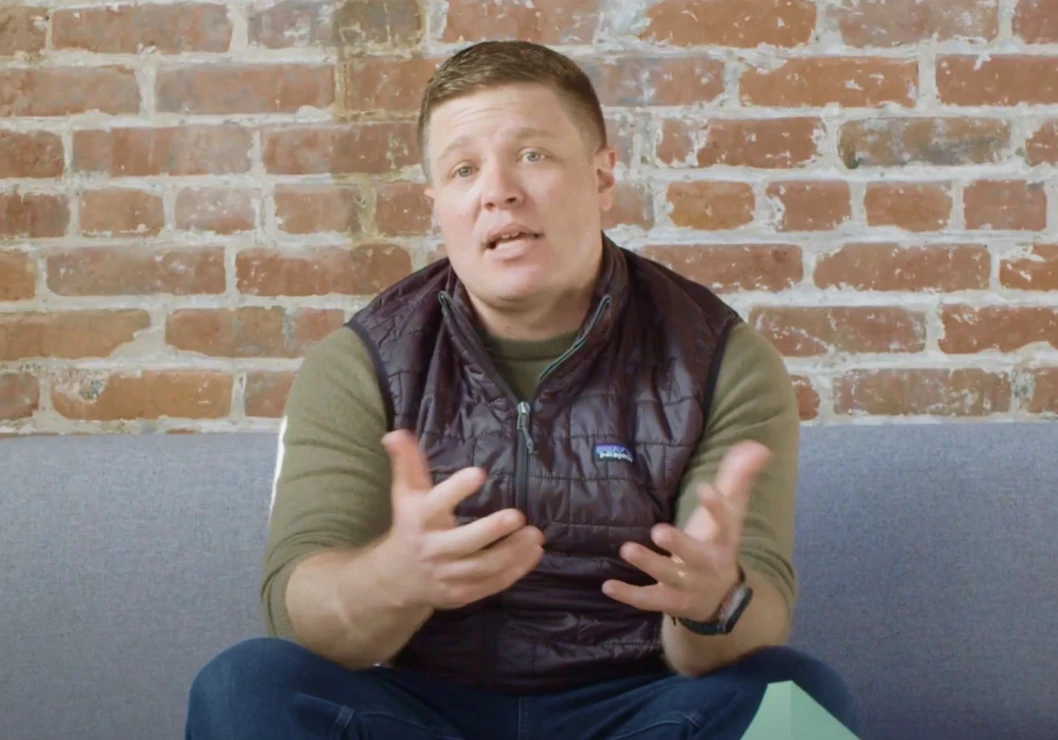
“Anvil plays a really important role for us in being able to translate the unique risks and needs of our client base into the models of how traditional insurance companies operate.”
Travis Hedge
Co-Founder, Vouch
Get a demo
(from a real person)
Schedule some time on our calendar to talk through your specific use case and see which Anvil products can help.
Want to try Anvil first?
Want to try Anvil first?
Marketing Mode