White Labeling

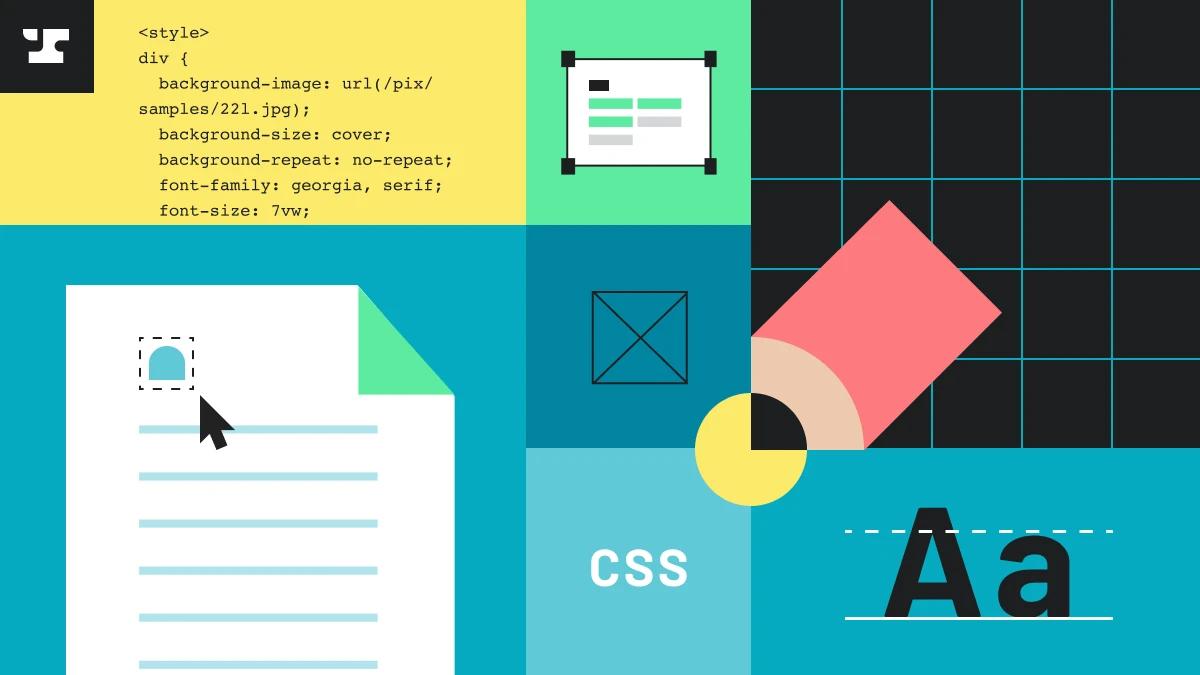
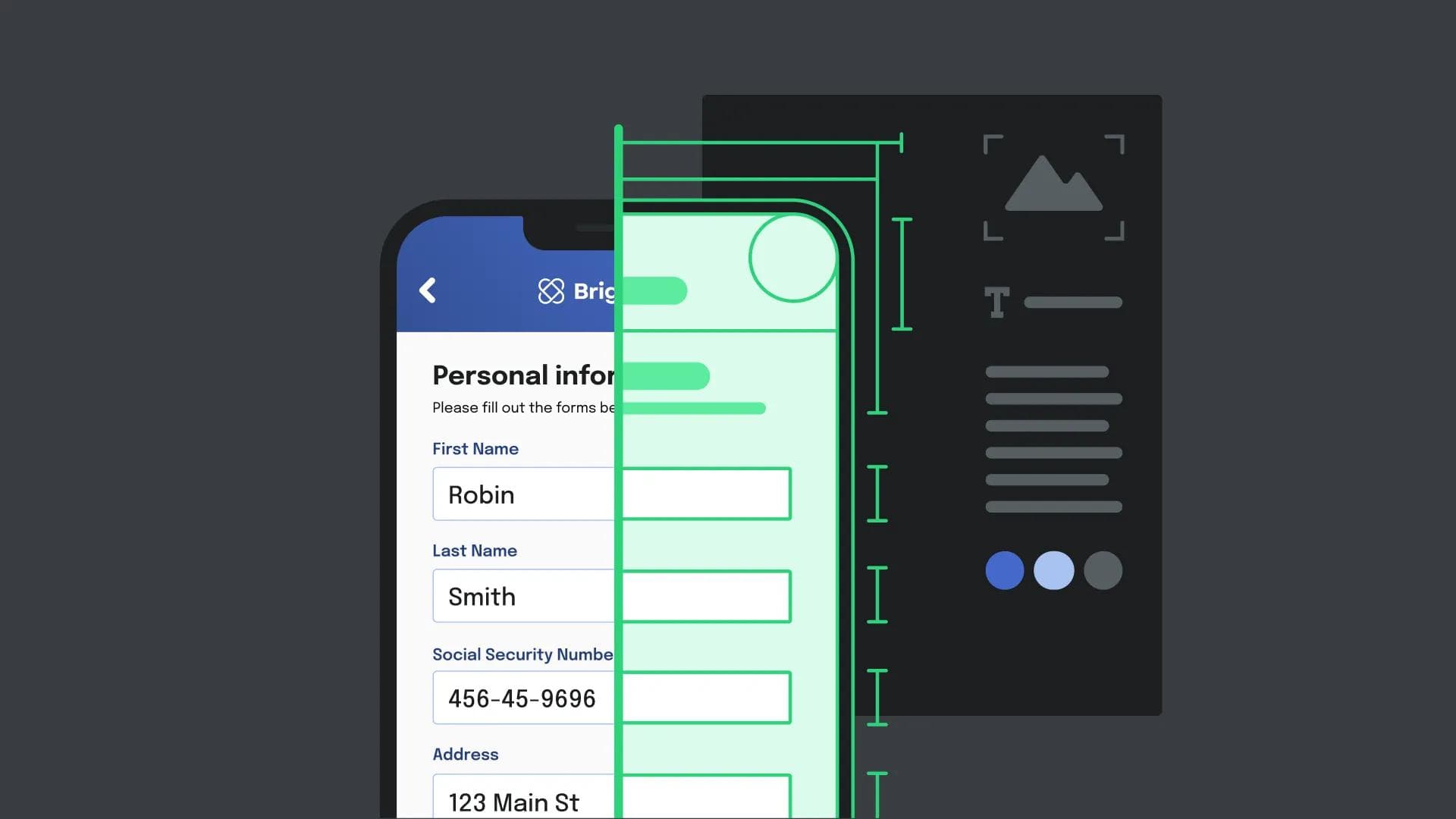
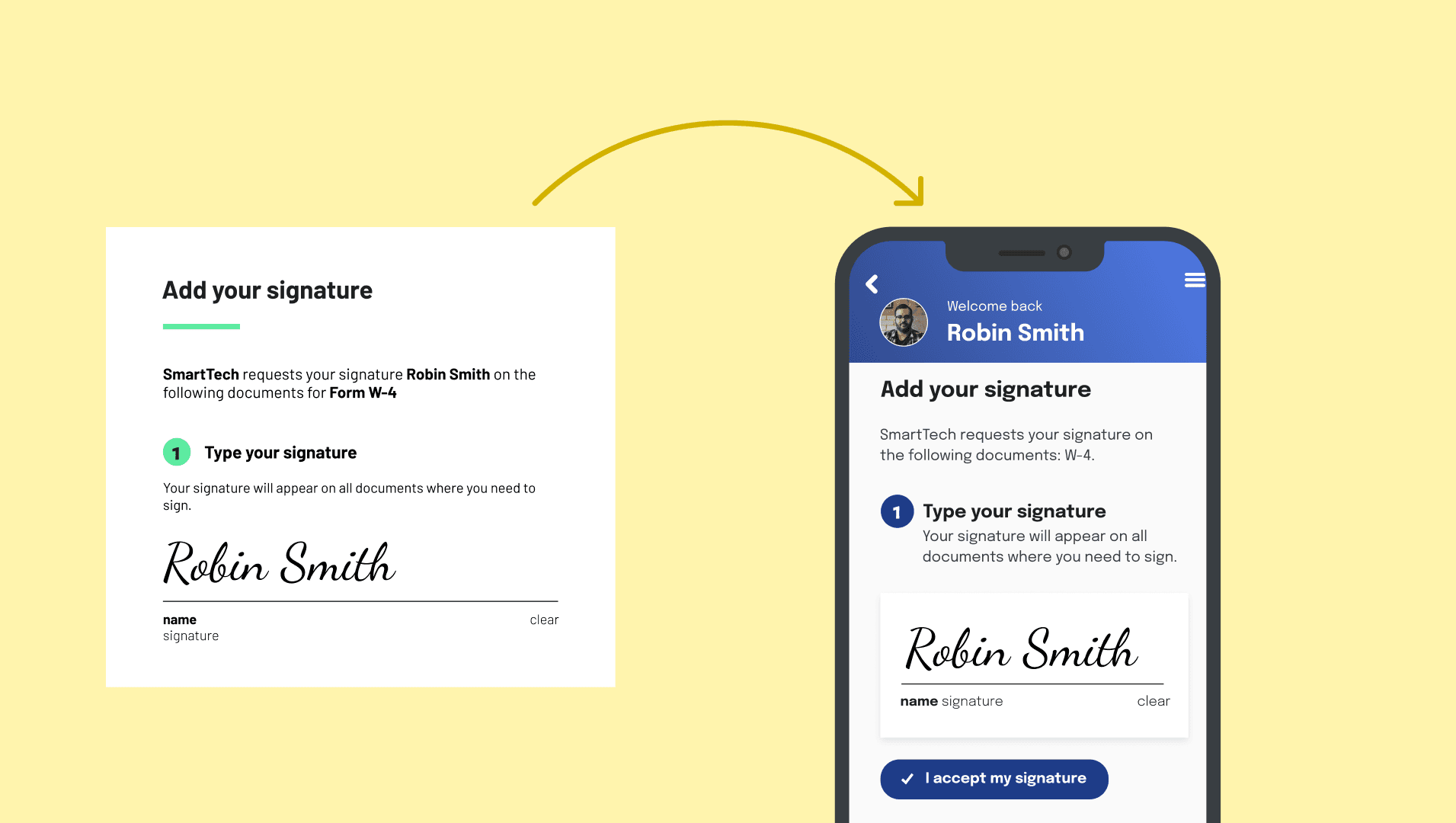
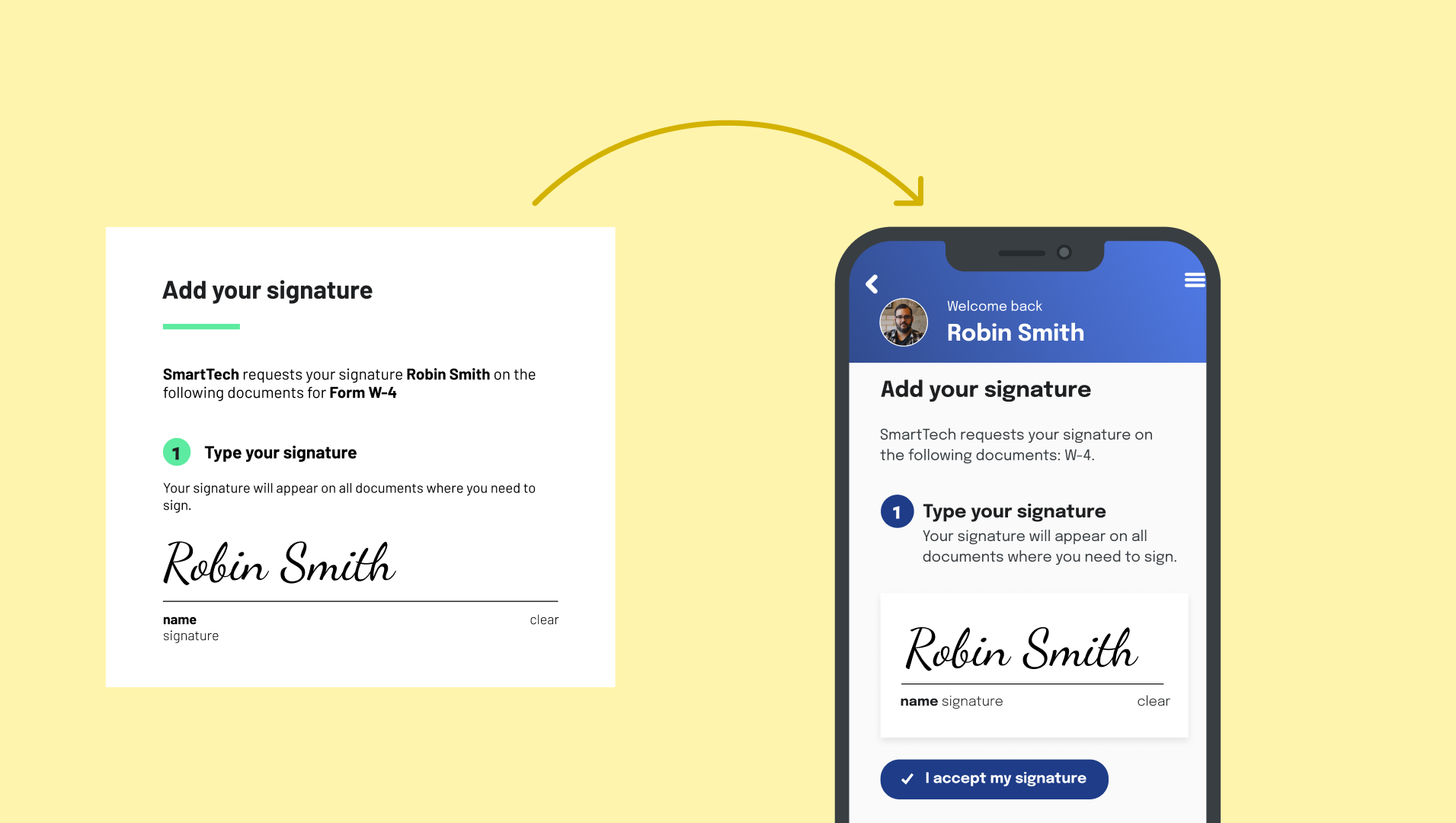
Style your Workflows and e-signature packets to match your brand by providing a custom CSS stylesheet.
See docs
White Labeling
Available with:
Free
AI Pack
Product Pack
Enterprise

Common use cases

Stay on brand

Customize your paperwork flows to be on brand.

Keep users in product

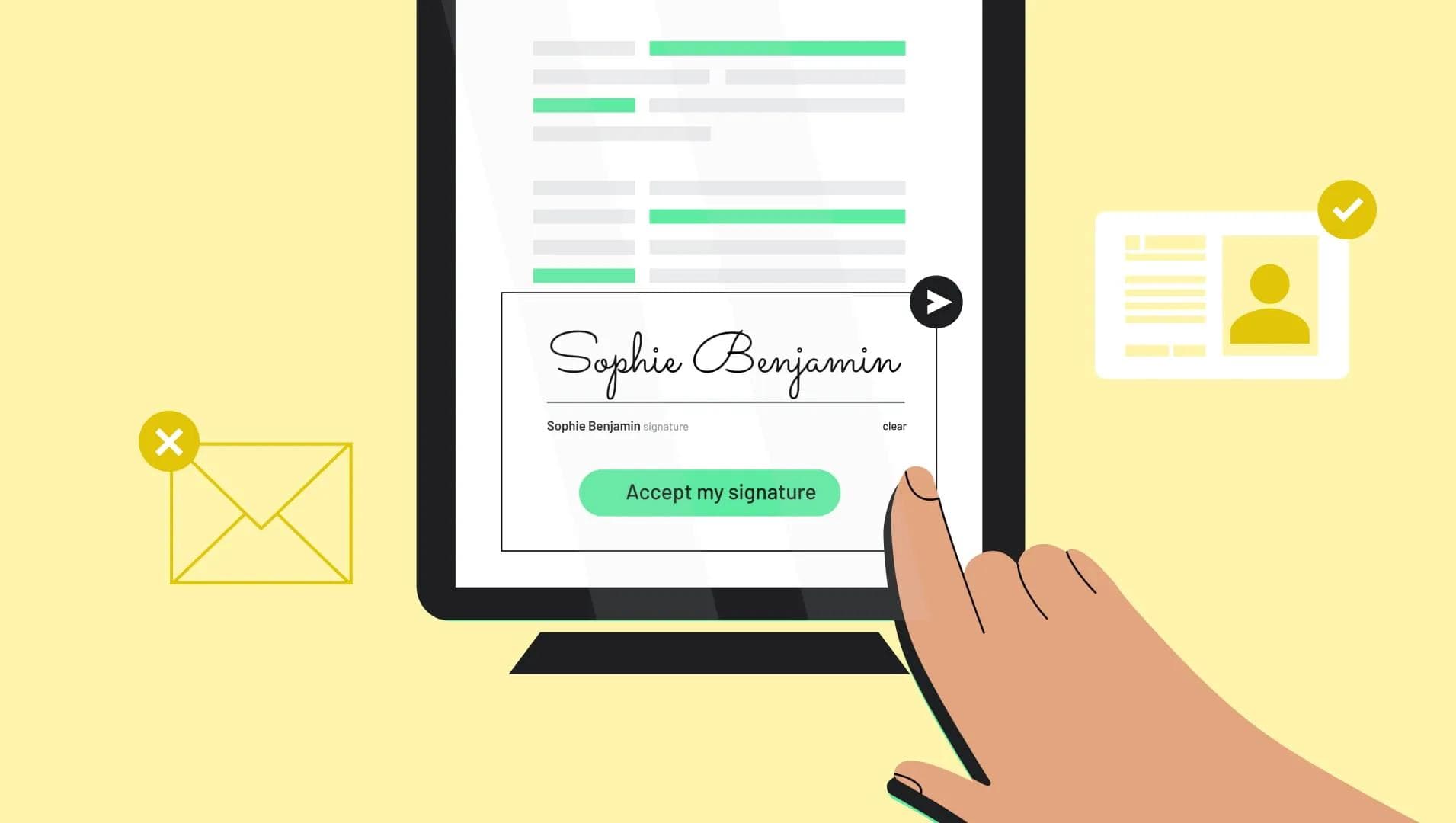
Avoid clunky experiences that kick users out of your product to complete e-signature packets.

Custom UI/UX

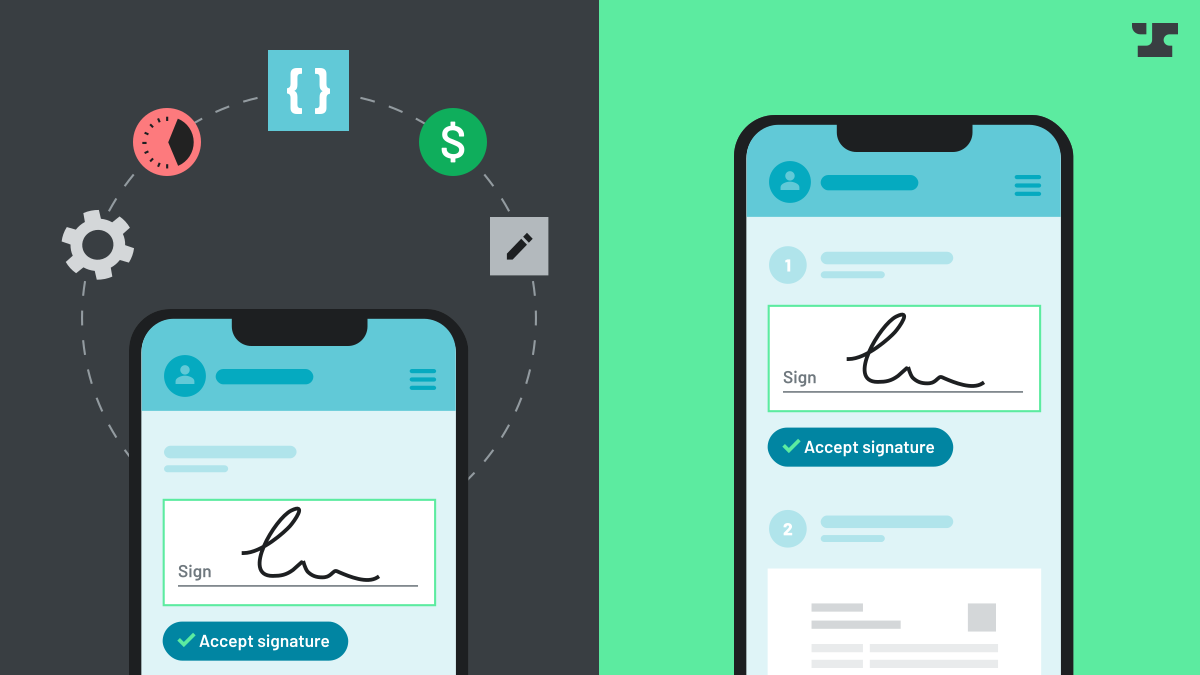
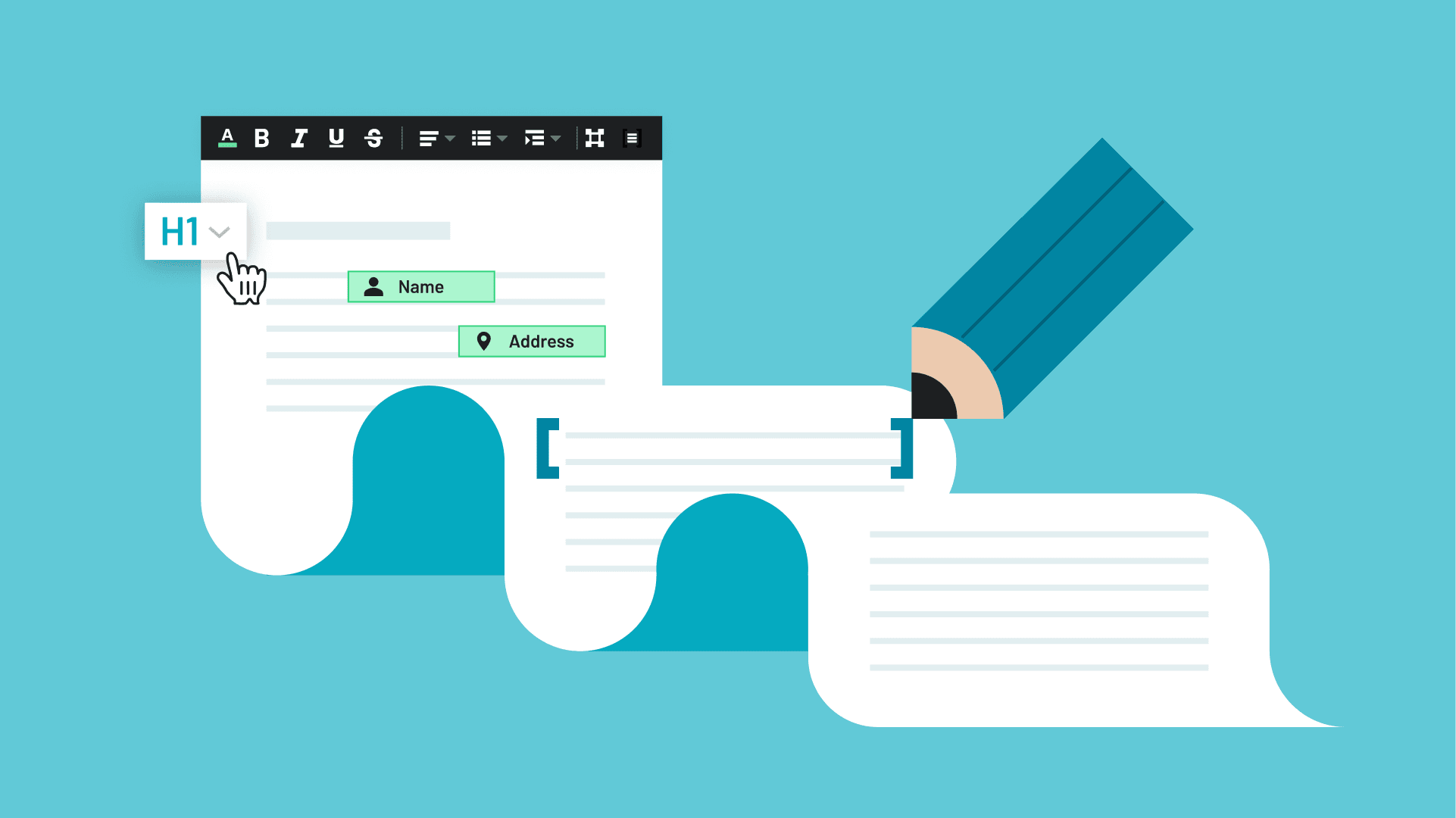
Design a unique e-signing interface tailored to your users’ needs, delivering a best-in-class user experience.

Key benefits

Brand consistency

Maintain a professional and cohesive brand image by fully customizing the e-signing experience with your logo, colors, and design elements.

User retention

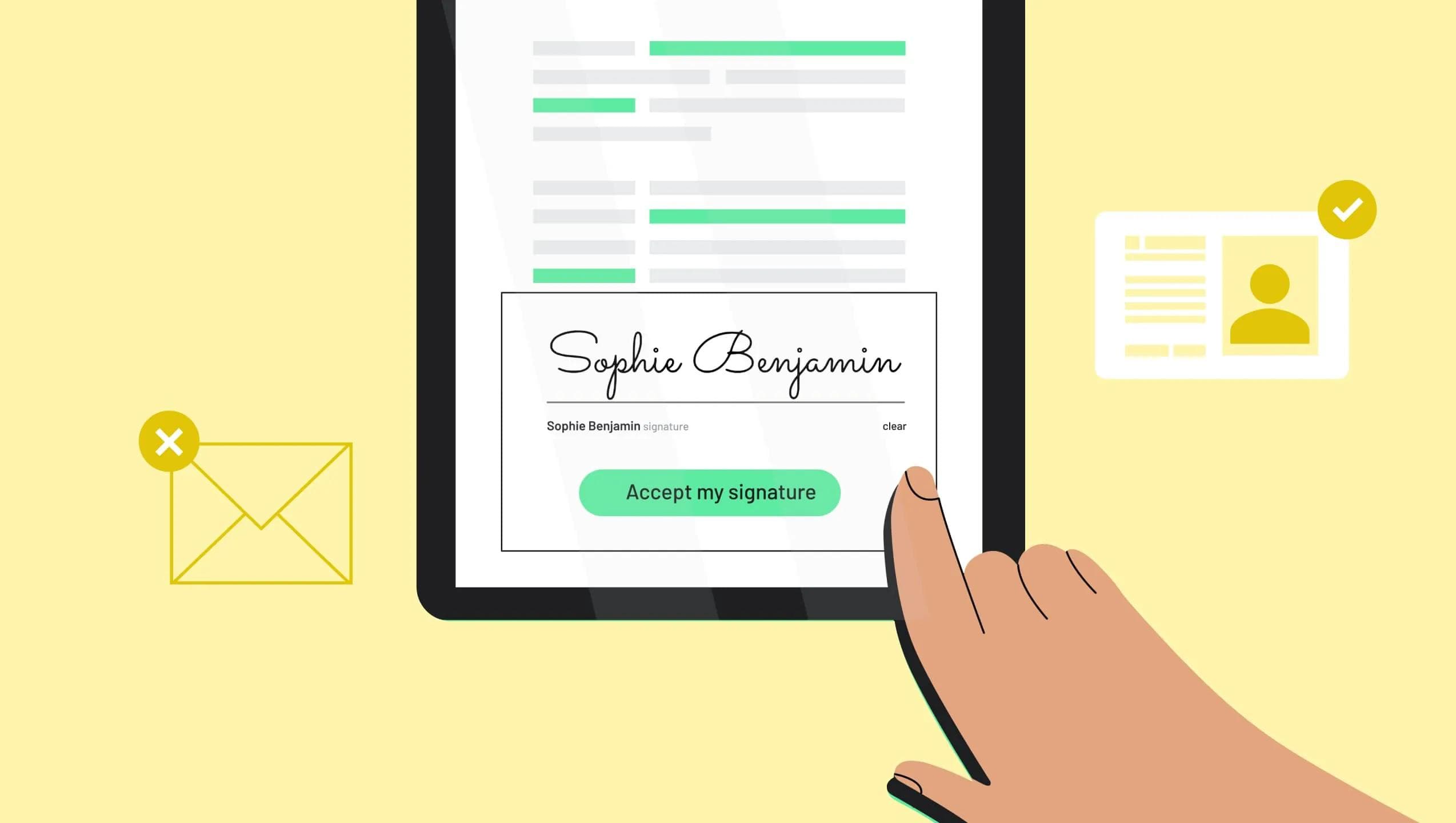
Keep users engaged within your platform by embedding e-signing capabilities directly into your product, eliminating the need for redirects to third-party services.

Tailored user experience

Deliver a signing interface that matches your product’s specific requirements, creating a streamlined and intuitive experience that caters to your audience's needs.

Frequently asked

What is Anvil's white labeling feature?

Anvil’s white labeling feature allows you to customize the e-signing and workflow experience with your branding, including logos, colors, and design elements, to maintain a consistent brand identity.

Yes, white labeling can be applied to workflows, e-signatures, and other features across Anvil’s product suite.

You can customize logos, colors, fonts, and layouts, and even apply custom CSS stylesheets to fully align the experience with your brand.

Yes, you can tailor the UI for individual workflows or e-signature packets to match specific branding or user experience requirements.

White labeling can be enabled in your organization settings. You can upload branding assets and configure customizations directly through Anvil’s dashboard or API.

Yes, white labeling is fully compatible with Anvil’s API, allowing you to programmatically embed and customize the signing experience within your application.

You can upload a custom CSS stylesheet through your organization’s settings to control the appearance of webforms, e-signature packets, and other workflows.

Changes to brand assets, such as logos or colors, can be updated in real time through your organization settings and will reflect immediately across all workflows.

Yes, Anvil provides a preview feature that allows you to test your customizations before they go live.

Yes, customizations made through white labeling are WCAG-compliant to ensure accessibility for all users.

White labeling is included in the Product Pack plan and above.

Related resources
Manage white label settings

Manage white label settings

Learn more
How to set up a custom CSS stylesheet in Anvil
Engineering

How to set up a custom CSS stylesheet in Anvil

Learn more
Build vs Buy: E-Signatures
Digital transformation

Build vs Buy: E-Signatures

Learn more
How Here.co launched embedded white labeled e-signatures in less than a day
Customer stories

How Here.co launched embedded white labeled e-signatures in less than a day

Learn more

Other Workflows features See all

Get a demo
(from a real person)

Schedule some time on our calendar to talk through your specific use case and see which Anvil products can help.
    Want to try Anvil first?
    Want to try Anvil first?